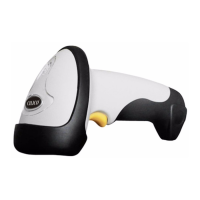
Note: Press Power button turn on/off
Turn off the scanner,press the mutifunction with Power button to clear the lastest pair
information of record in the CT20.
Press the multifunction to send the recorded bar code.
After turn off the scanner,press the scan button with Power button to clear the recording bar code
and turn on the scanner.
Specifications
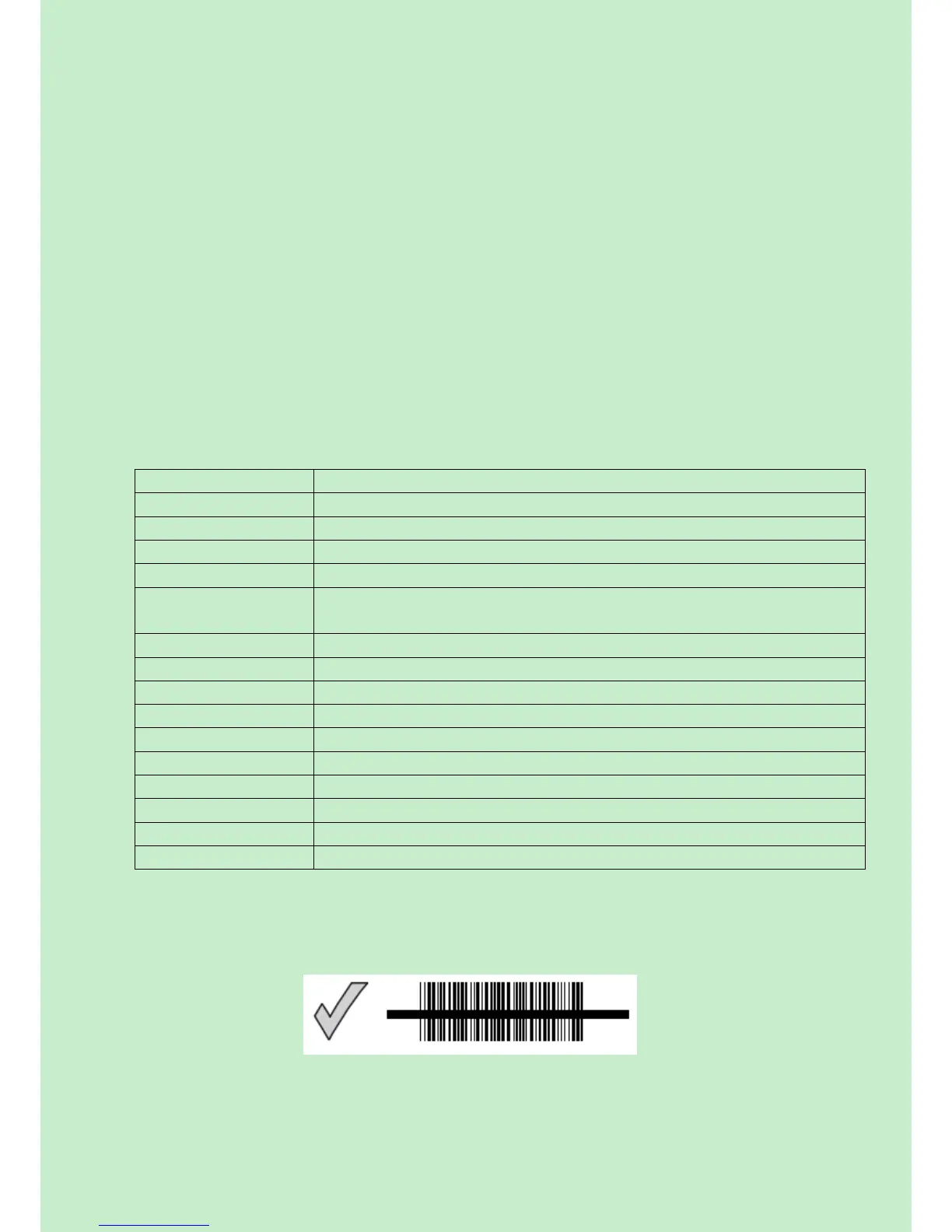
Correct Aiming
Bluetooth class 2. 0 virsion+EDR
Codabar,Code 11,Code 93,MSI,Code128,UCC/EAN-128,Code 39,EAN-8,
EAN-13,UPC-A,ISBN,Industrial 25,Industrial 25、Standard 25,2/5 Matrix
0 to 50 ºC / 32 to 122 ºF
0 to 50 ºC / 32 to 122 ºF
20 - 85% (non-condensing)
20 - 85% (non-condensing)



 To Next Page