will not flashing purple and power off.
Note: When any setup error occurs, the CT20 Barcode Scanner will respond with a long
beep (low tone), and its LED indicator will flashing purple.
Steps of Setup:
Enter the Setting Mode
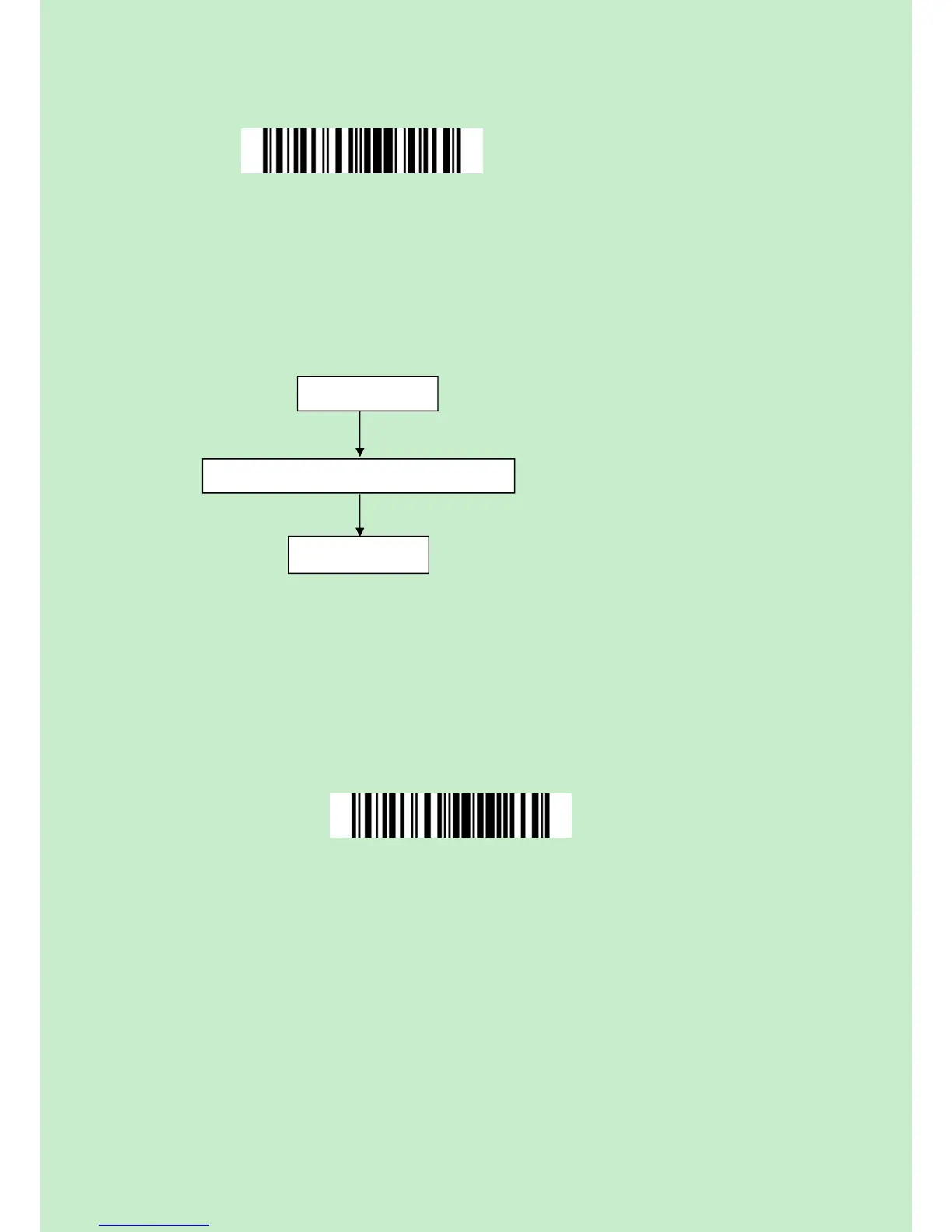
For the scanner to enter the setting mode, you must have it read the "Enter Setup"
barcode, which will be located at the bottom of almost every page of this manual.
The CT20 Barcode Scanner will respond with three beeps (tone descending from high to
low), and its LED indicator becomes purple and go off quickly after reading the barcode.
For setting scanner parameters, see "Read a Setup Barcode" below.
Exit the Setting Mode with Save
For the scanner to exit the setting mode, you must have it read the "Exit with Save"
barcode, which will be located at the bottom of almost every page of this manual.
Just like reading the "Enter Setup" barcode, the scanner will respond with three beeps
(tone ascending from low to high) after reading the barcode.



 To Next Page