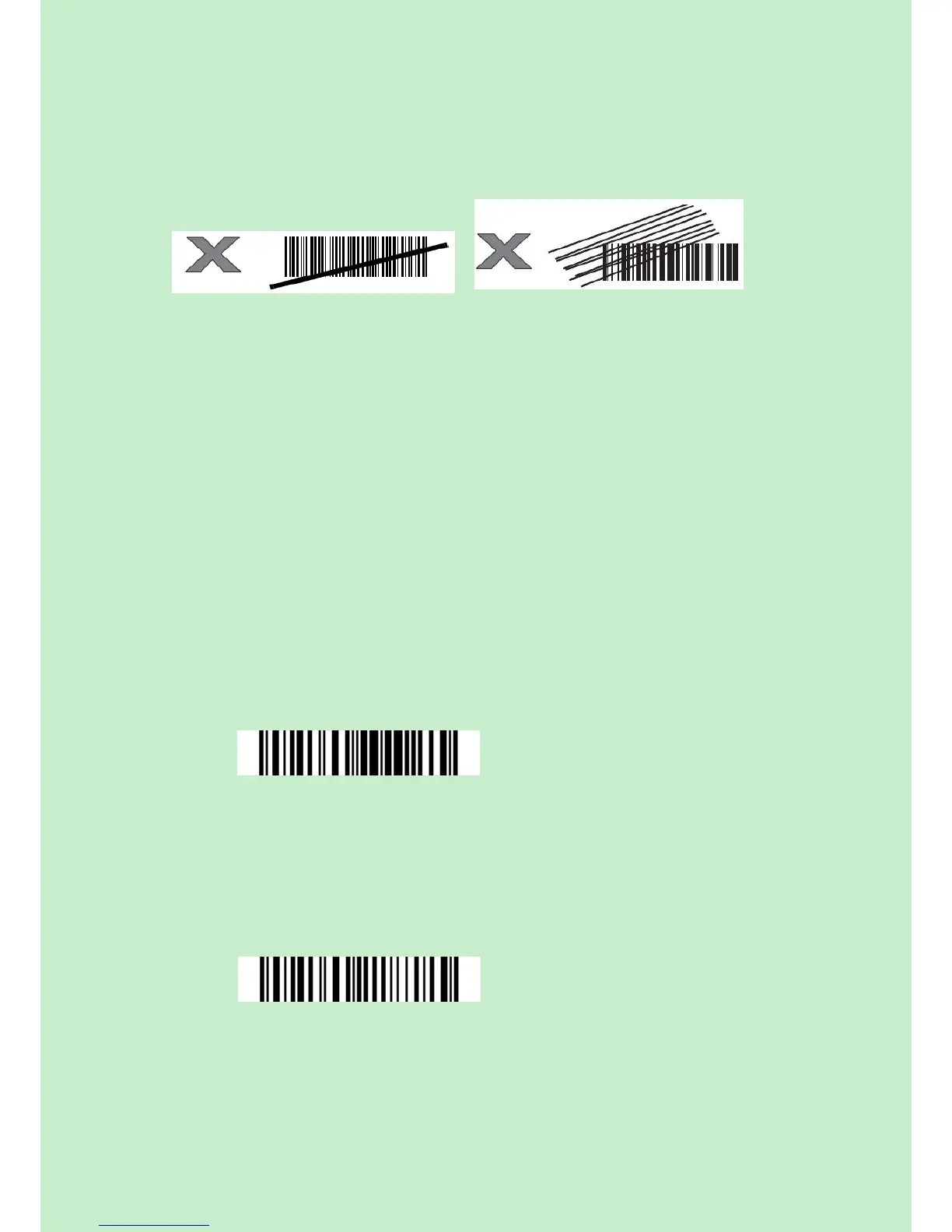
Incorrect Aiming
QUICK START
The setting of the CT20 Barcode Scanner can be changed by reading the setup barcodes
contained in this manual. This section describes the procedure of setting the CT20
Barcode Scanner by reading the setup barcodes and provides some example for
demonstration.
Steps Action Feedback if Successful
1 Turn on CT20 Barcode Scanner... It will response with a long beep(high
tone ) , it's LED shows red and with
Intmt twinkle.
Note: How the CT20 Barcode Scanner establishes a connection with computer or other
compatible device, please refer to Chapter 2.
2 Enter the Setting Mode... The CT20 Barcode Scanner will
response three beeps (tone descending
from high to low), and its LED indicator
will flashing purple.
3 Read a Setup barcode The CT20 Barcode Scanner will
response three beeps (tone ascending
from low to high), and its LED indicator
will flashing purple.
For Example:
4 Exit the Setting Mode... The CT20 Barcode Scanner will
response three beeps (tone descending
from high to low), and its LED indicator



 To Next Page