6 - USE AND OPERATION
Impostazioni iniziali (ME1000S)
ME1000S - User Manual
48 - 128
1
2
3
4
6.2 Initial settings
Before starting production, the devices inside the machine must be adapted according to the dimensions of the
tags to be produced.
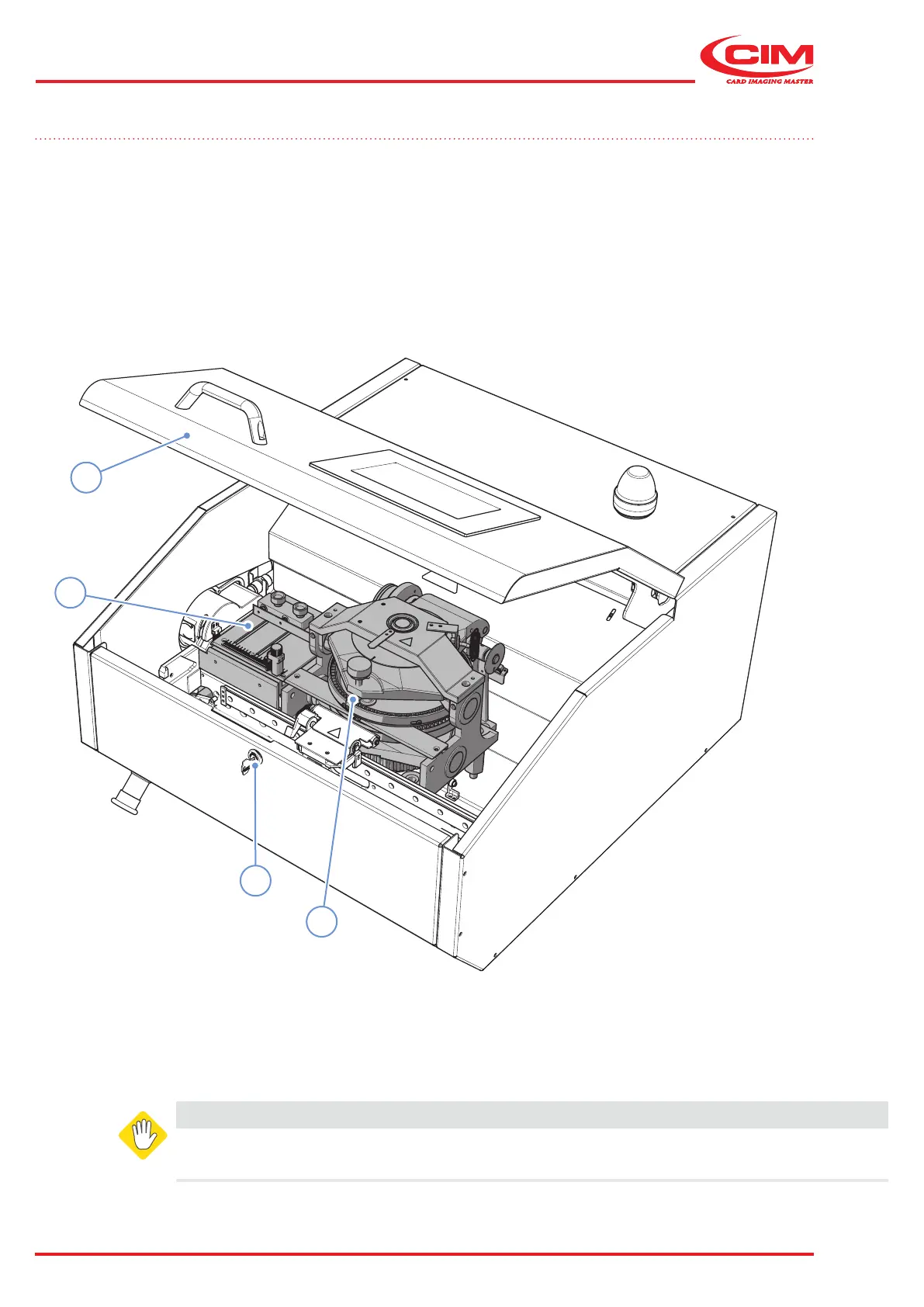
To access the internal units, insert the key supplied (2) and open the front panel (1).
The quality and quantity of the tags produced depends on the following mechanical units being adjusted correctly:
• loading hopper / unloading hopper (3)
• embossing unit (4)
WARNING
The internal parts of the machine should only be accessed with the machine switched o and
the power cable disconnected.



 To Next Page