6 - USE AND OPERATION
Schermate display (ME)
ME1000S - User Manual
91 - 128
SERVICE
HOME
BACK
Continuous: no
Pause: no
Without tag: no
Debug enabled: yes
1
6.10.3 OPERATIONAL MODE
F3
F3
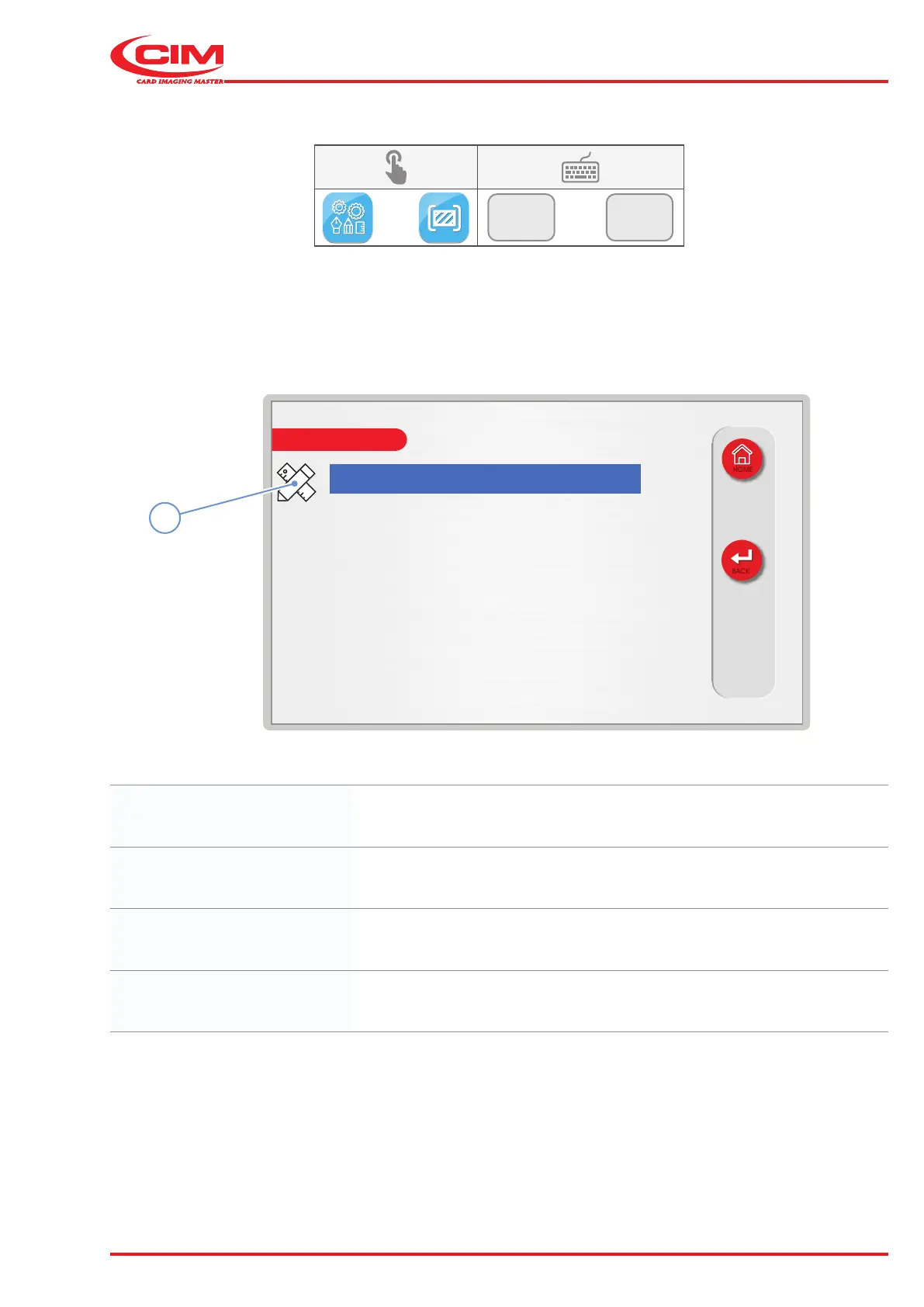
This function allows you to set some operating modes during the tag embossing process:
1) Go to the required line using the touch screen (or the arrow keys on the external keyboard).
2) Press the icon (1) or the [F1] key on the external keyboard to set the relative option.
Continuous: Runs the card test cycle in continuous mode.
Pause: The operator is asked to conrm each movement of the card test by pressing
the Play button on the touch screen or [F10] on the external keyboard
Without tag: Allows the card test cycle to be run without checking for the presence of tags
in the loading hopper.
Debug enabled: Enables error warnings to be saved to an internal log le.



 To Next Page