6 - USE AND OPERATION
Schermate display (ME)
ME1000S - User Manual
74 - 128
Measure unit: mm
Address: 31
Path: optimised
Hide protected data
Touch sensitivity: medium
Unloader full alarm: no
Pusher home: yes
SET UP
HOME
BACK
1
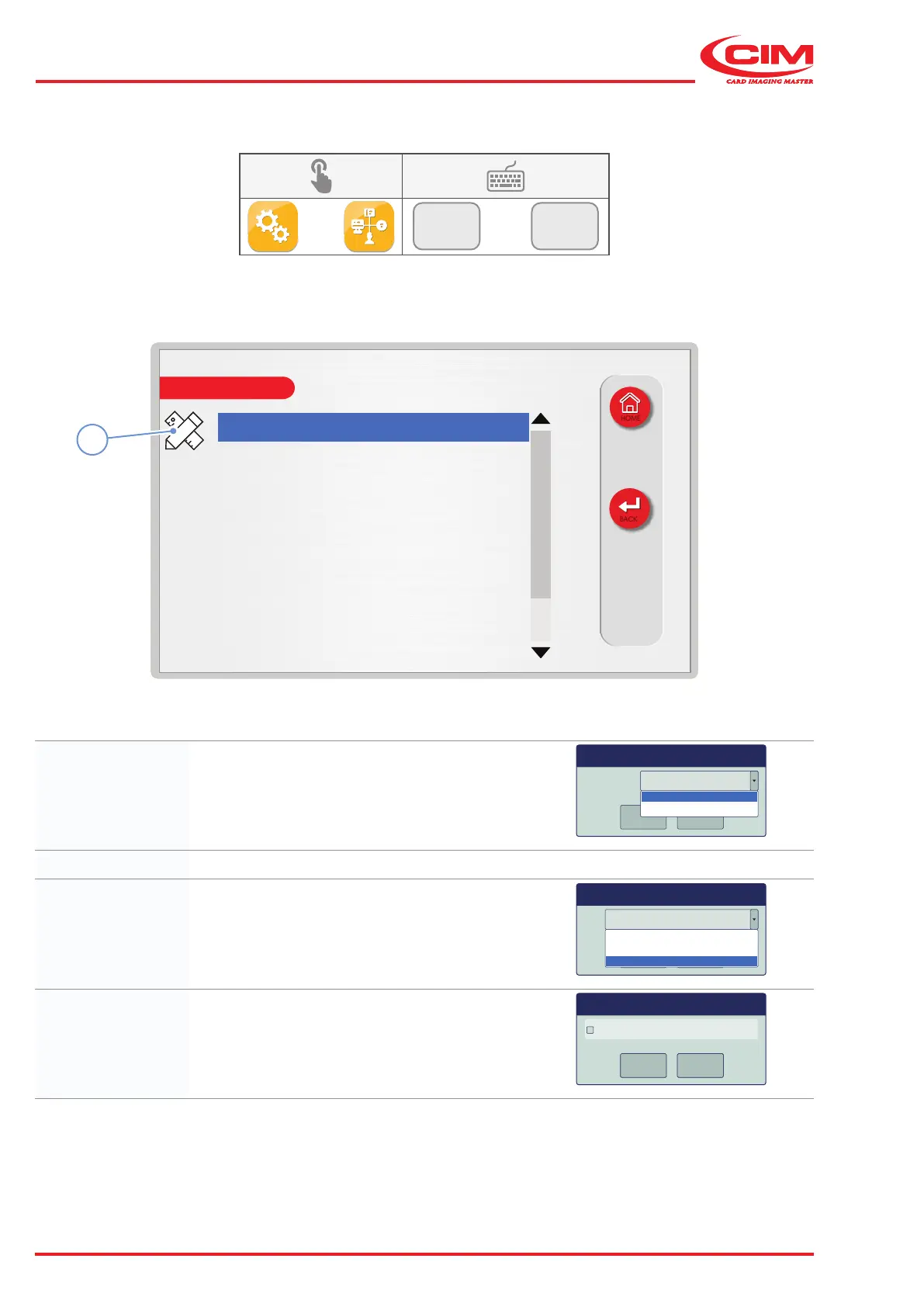
6.9.1 CONFIGURATION
F2
F1
1) Go to the required line using the touch screen (or the arrow keys on the external keyboard).
2) Press the icon (1) or the [F1] key on the external keyboard to set the relative option.
Measure unit: Sets the unit of measurement (mm or inches) used for
the X and Y coordinates of the elds.
Measure unit mm
OK
Cancel
mm
inch
Address: Sets the address for communicating with the PC.
Path: Sets the method used to drive the axes:
by character, by line or according to the path
optimization algorithm.
Path optimised
OK
Cancel
line
character
optimised
Hide protected
data:
Shows \ hides the data in the protected elds.
Hide protected data
OK
Cancel
OK
Cancel
OK
Cancel
Dialog



 To Next Page