6 - USE AND OPERATION
Schermate display (ME)
ME1000S - User Manual
77 - 128
Type: static
IP address: 192.168.7.171
Subnet mask: 255.255.255.0
SET UP
HOME
BACK
2
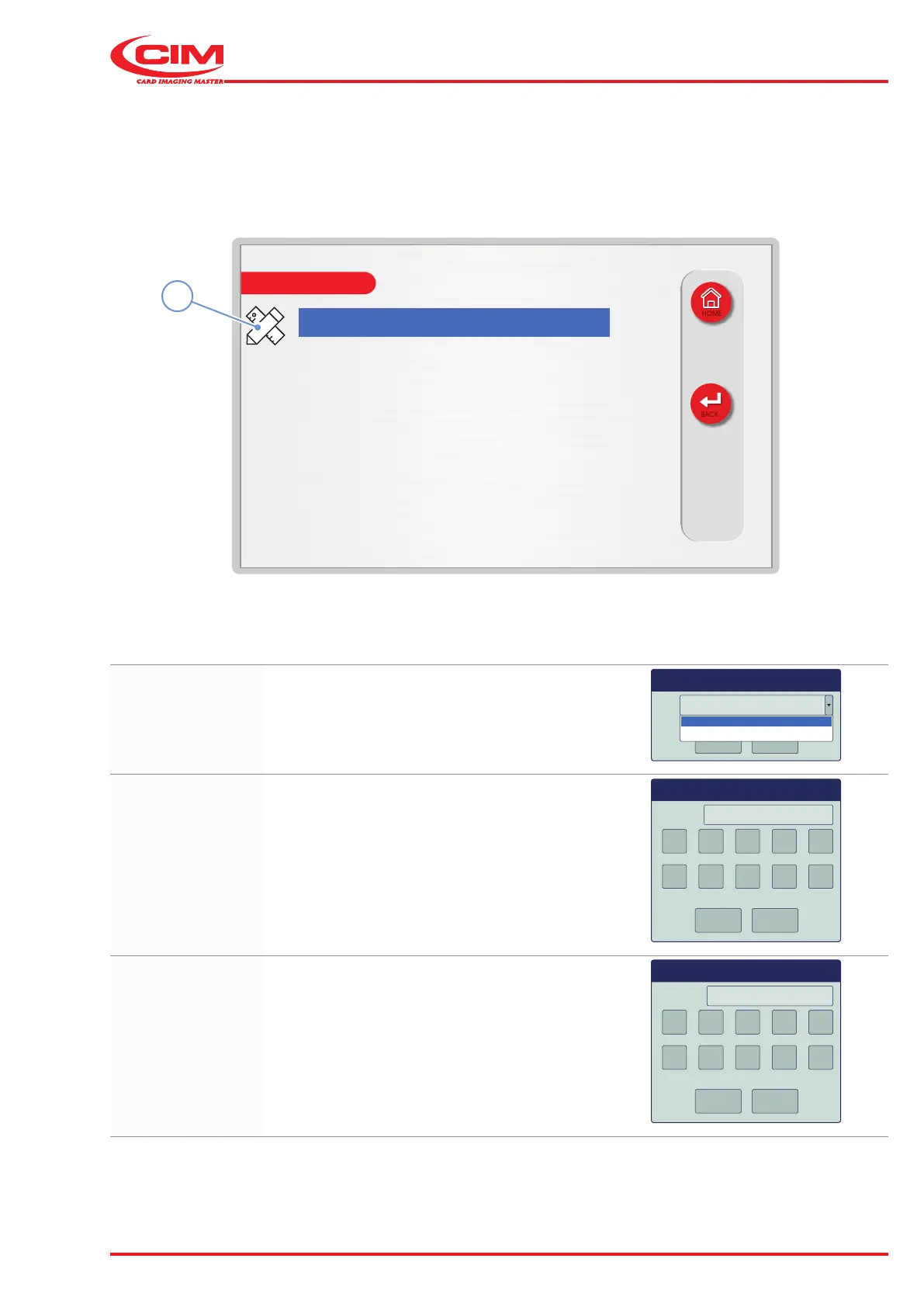
Set/edit network settings:
1) Go to the required line using the touch screen (or the arrow keys on the external keyboard).
2) Press the icon (2) or the [F1] key on the external keyboard to set the relative option.
Type: Sets the network type (static or dynamic).
Type static
OK
Cancel
static
dynamic
IP Address: Sets the the machine's IP address.
192.168.007.171IP address
OK
Cancel
1 2 3 4 5
6 7 8 9 0
Dialog
Subnet mask: Sets the machine’s subnet mask.
255.255.255.000Subnet mask
OK
Cancel
1 2 3 4 5
6 7 8 9 0
Dialog



 To Next Page