1-14
Cisco Video Surveillance 8020/8030 IP Camera Reference Guide
Chapter 1 Getting Started
Hardware Installation
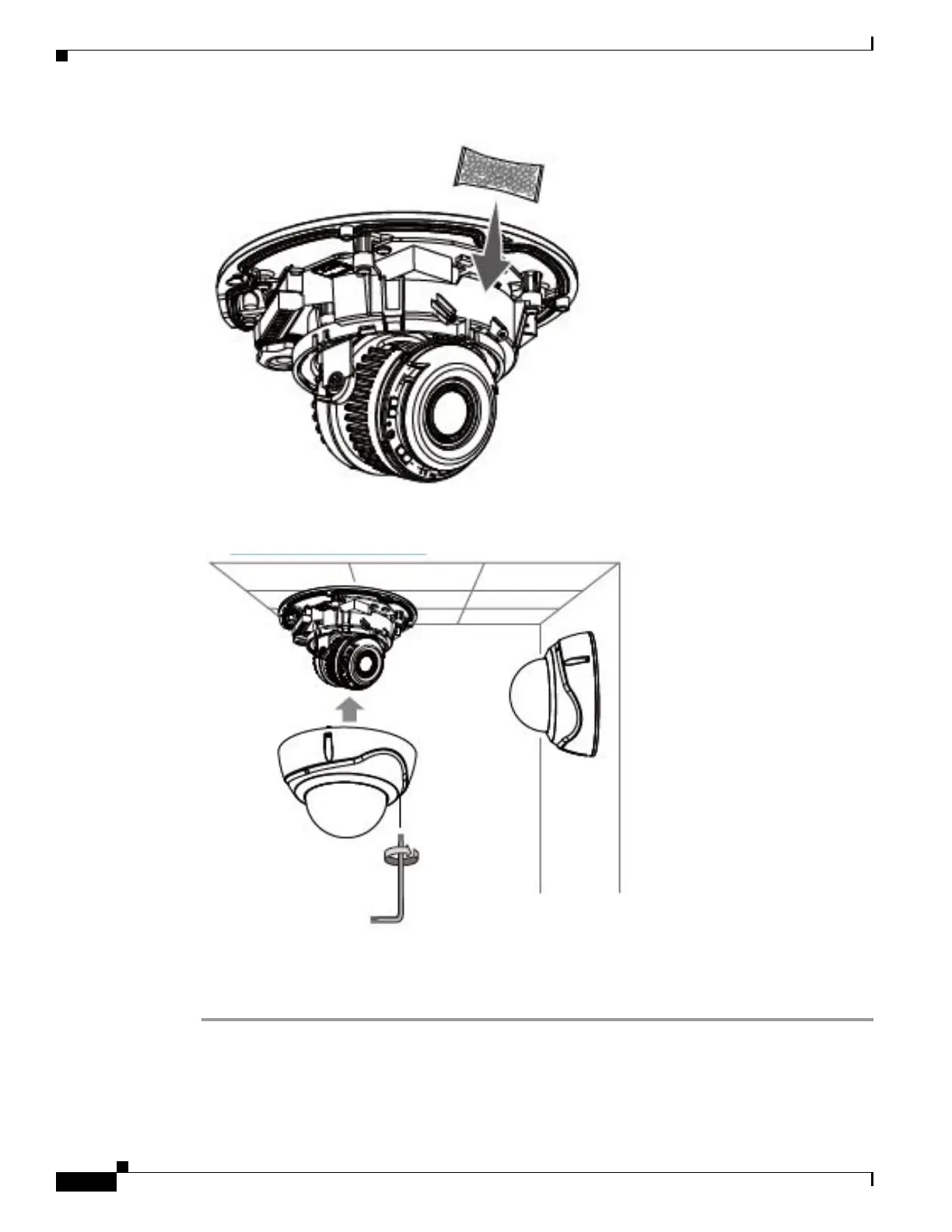
Step 13 Align and install the dome cover.
Step 14 With a live view displayed on your laptop, adjust the zoom and focus to obtain an optimal image. Check
the live view to ensure the image is in focus. [Include this step? If yes, do we need to tell users how to
get to this live image?]



 To Next Page