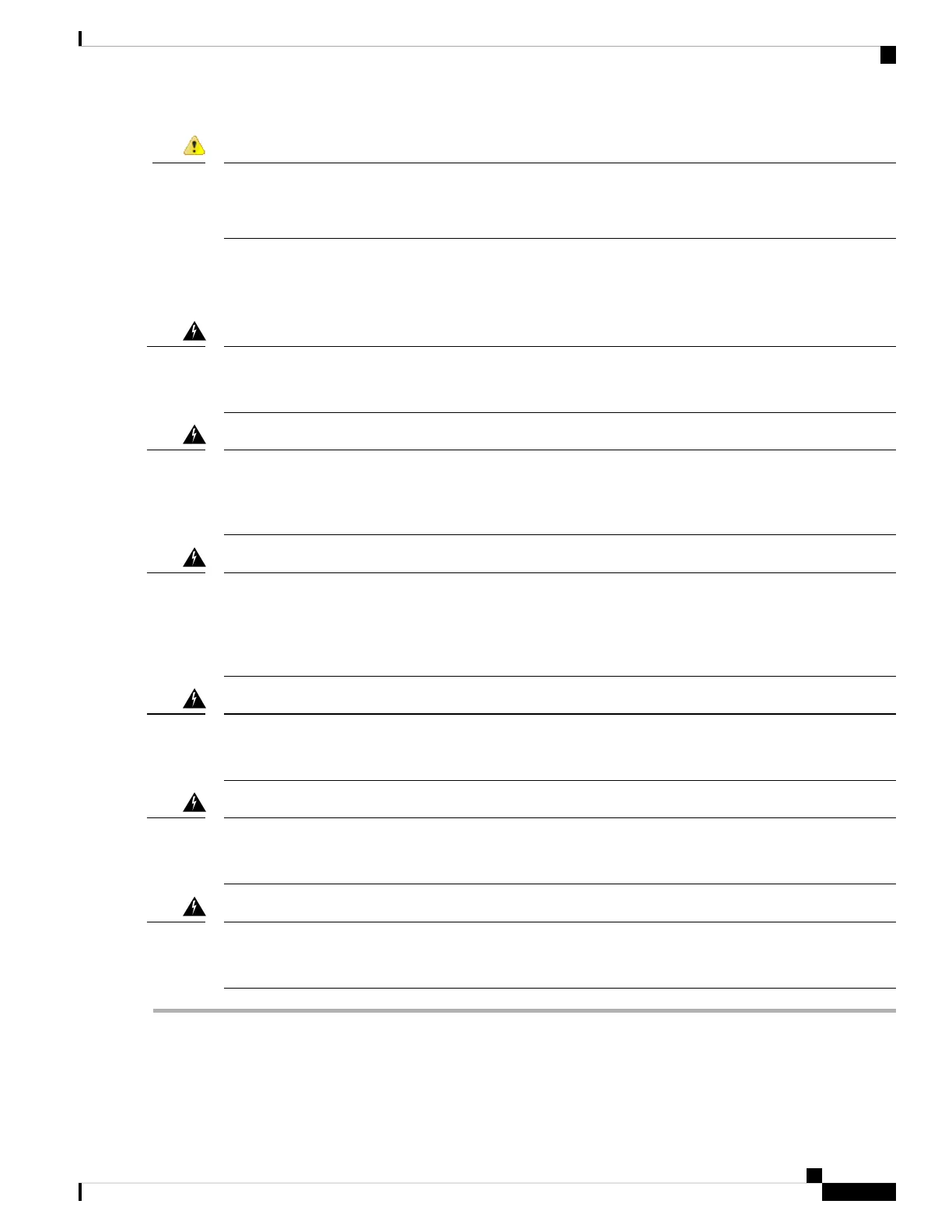
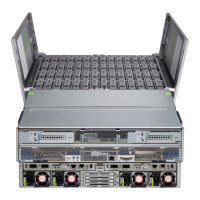
Power supply health monitoring notifies you if the power supply loses power or malfunctions so that redundancy
is lost. Check the power supply cables to make sure they are functioning. If they are and errors are still
occurring, replace the power supply.
Trouble
Before you begin
Take note of the following warnings:
Statement 1018—Supply Circuit
Take care when connecting units to the supply circuit so that wiring is not overloaded.
Warning
Statement 1019—Main Disconnecting Device
The plug-socket combination must be accessible at all times, because it serves as the main disconnecting
device.
Warning
Statement 1024—Ground Conductor
This equipment must be grounded. Never defeat the ground conductor or operate the equipment in the absence
of a suitably installed ground conductor. Contact the appropriate electrical inspection authority or an electrician
if you are uncertain that suitable grounding is available.
Warning
Statement 1030—Equipment Installation
Only trained and qualified personnel should be allowed to install, replace, or service this equipment.
Warning
Statement 1073—No User-Serviceable Parts
No user-serviceable parts inside. Do not open.
Warning
Statement 1074—Comply with Local and National Electrical Codes
Installation of the equipment must comply with local and national electrical codes.
Warning
Step 1 Remove the power supply:
a) Grasp the power supply handle while pinching the release lever toward the handle.
b) Pull the power supply out of the bay.
Cisco AMP PC3000 Hardware Installation Guide
37
Maintenance and Upgrade
Remove and Replace a Power Supply



 To Next Page