CHAPTER 3
Installing a Network Module
• Network Module Overview, on page 53
• Installing a Network Module in the Switch, on page 58
• Removing a Network Module, on page 64
• Installing SFP and SFP+ Modules, on page 65
• Removing SFP and SFP+ Modules, on page 66
• Finding the Network Module Serial Number, on page 67
Network Module Overview
DescriptionNetwork Module
13
This module has four 1 G SFP module slots. Any combination of standard SFP
modules are supported. SFP+ modules are not supported.
If you insert an SFP+ module in the 1 G network module, the SFP+ module does
not operate, and the switch logs an error message.
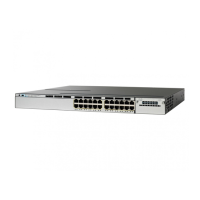
This is supported on the following switch models:
Note
• WS-C3850-24T/P/U
• WS-C3850-48T/F/P/U
• WS-C3850-12X48U
• WS-C3850-24XU
• WS-C3850-12S
• WS-C3850-24S
C3850-NM-4-1G
Catalyst 3850 Switch Hardware Installation Guide
53OL-26779-05




 To Next Page