Citrix ADC MPX
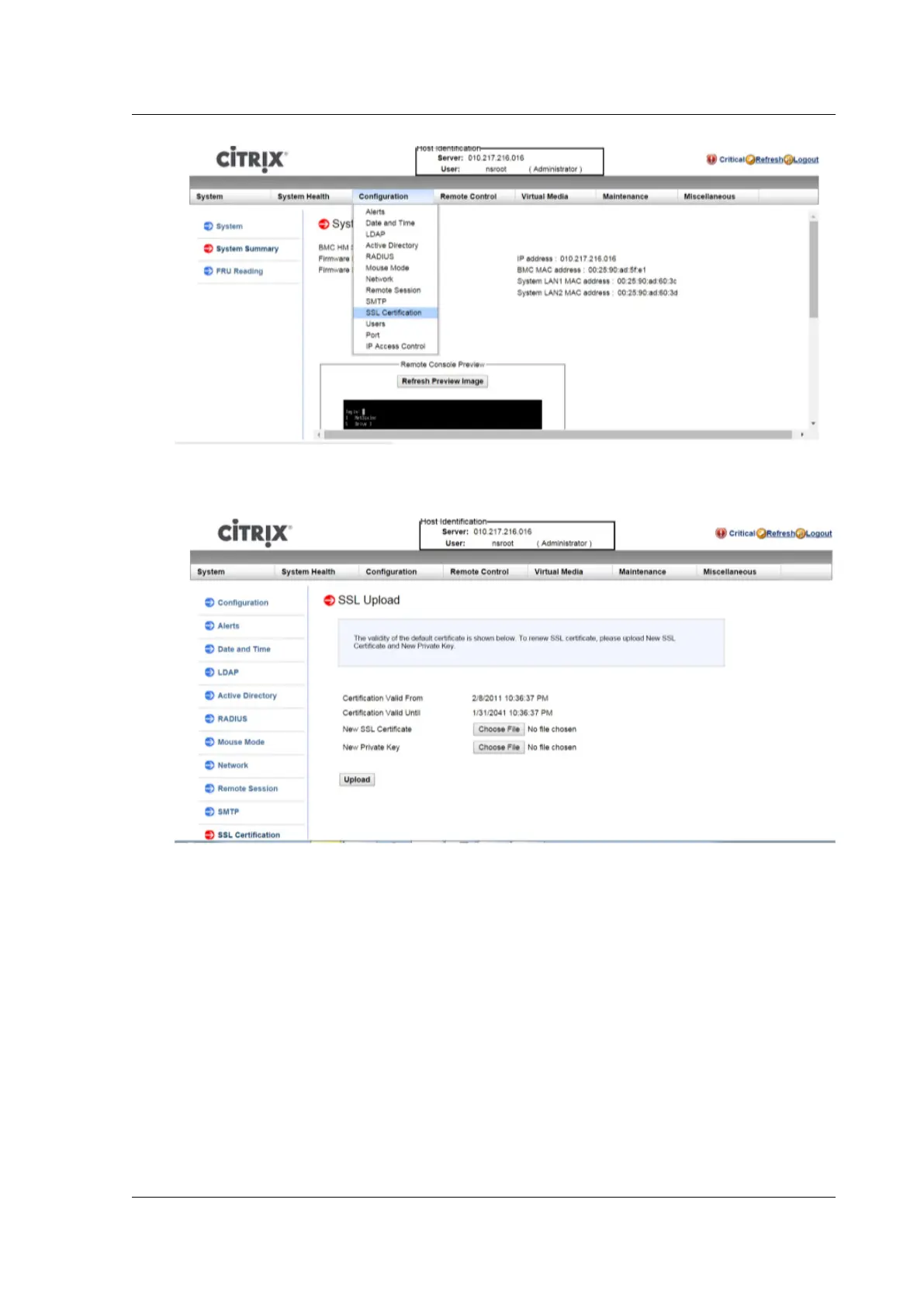
2. In the right pane, click the Choose File buttons to select a new SSL certificate and a new private
key.
3. To verify that you have selected the correct certificate and private key, check the file names of
the certificate and key, which appear next to the Choose File buttons.
© 1999‒2022 Citrix Systems, Inc. All rights reserved. 167



 To Next Page
 Loading...
