M U LT I F U N C T I O N D I S P L AY S
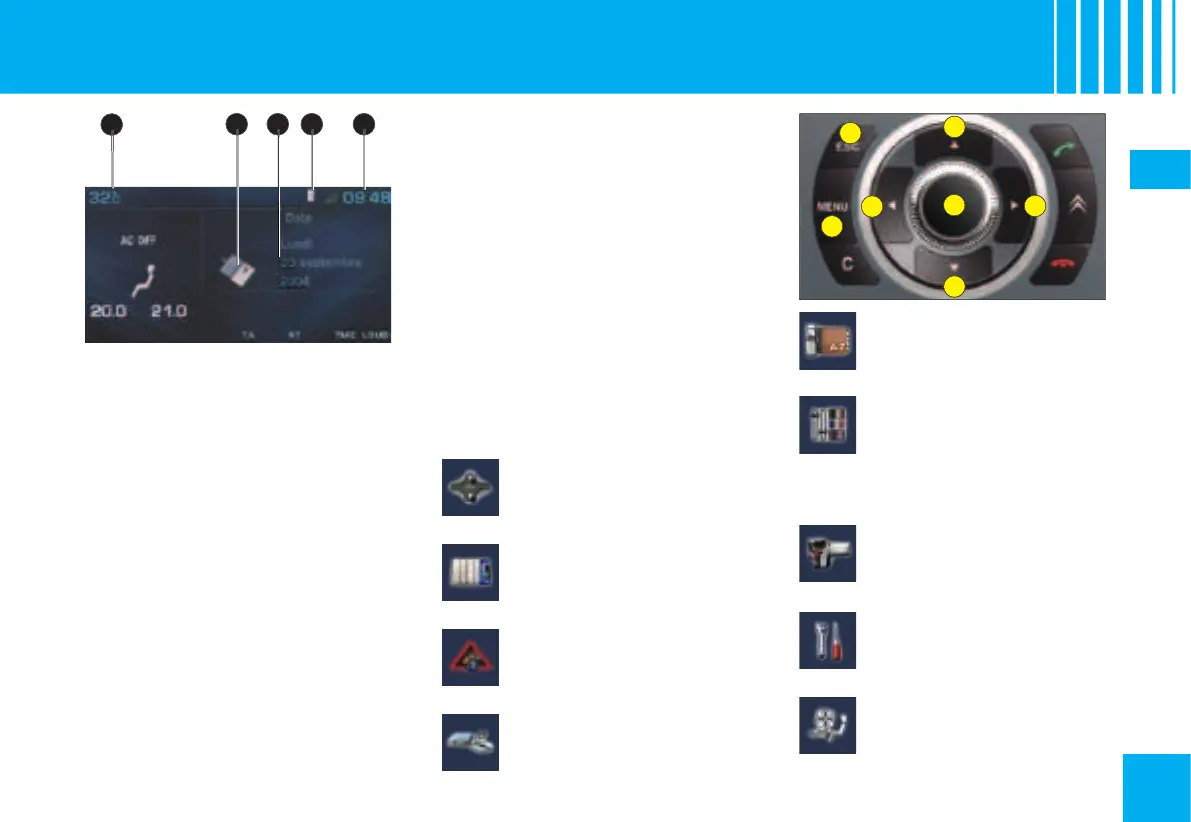
N AV I D R I V E C O L O U R D I S P L AY
When the outside temperature
is between +3 °C and –3 °C, the
temperature display fl ashes (risk
displayed may be higher than the
actual temperature if the vehicle is
stationary in bright sunlight.
The driver is advised not to oper-
ate the controls described below
while the vehicle is moving.
Access to the “Main menu” of
Scroll through display menus.
Selection in the menus of the
function chosen or value to
Scroll through display menus.
Cancellation of the operation or
return to the previous display.
the “Main menu” of the multifunc-
tion display. This menu gives you
access to the following functions:
Refer to the explanations
given in the section « Auto-
matic air conditioning ».
lighting of headlamps etc.
as well as to adjust the var-
ious parameters (time, date etc.).
See NaviDrive instructions.


 To Next Page