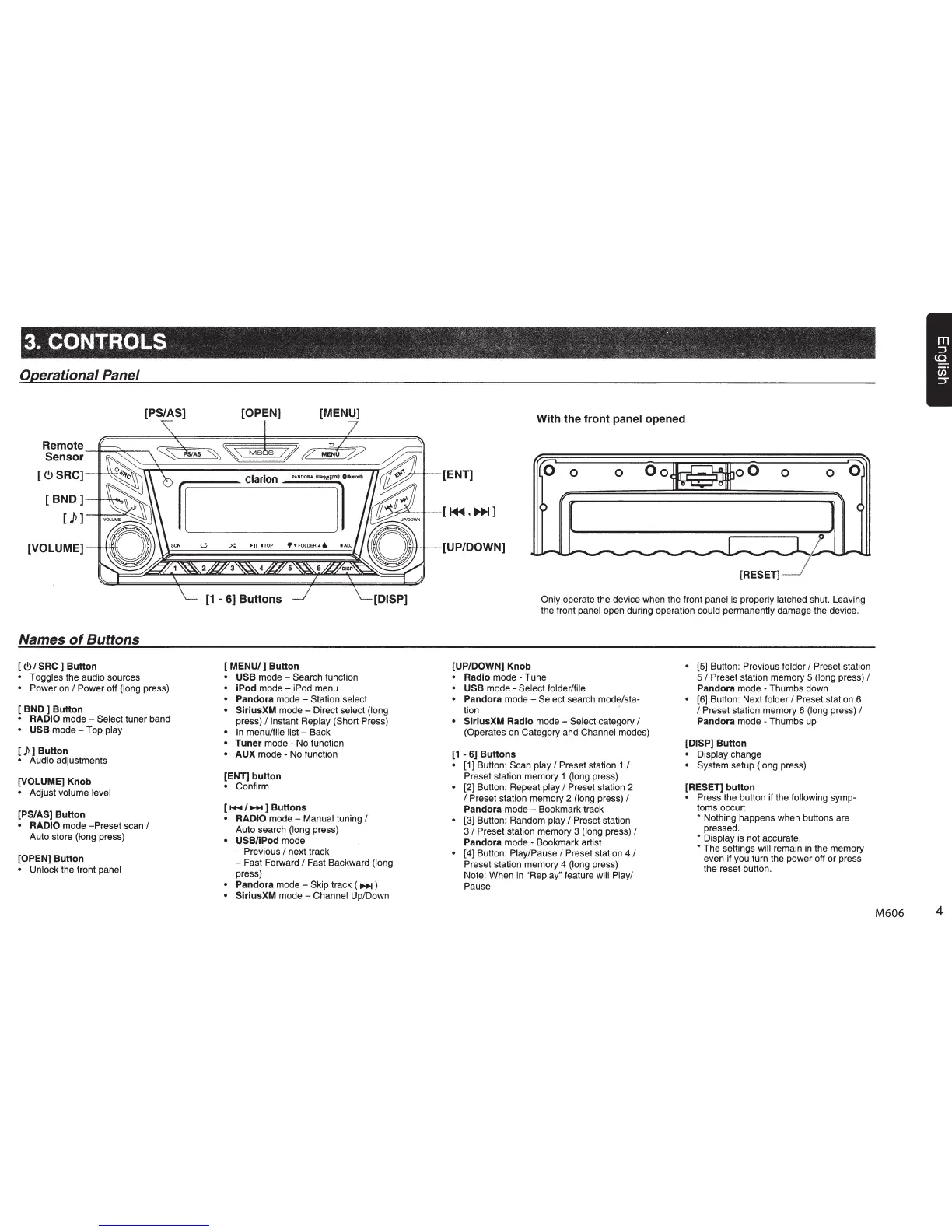
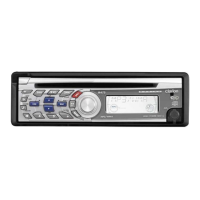
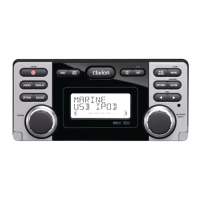
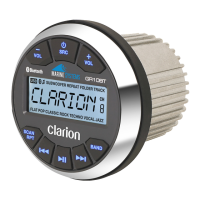
Operational Panel
[PS/AS] [OPEN] [MENU]
Remote
Sensor~~~--=~~~~~~~~~~~~~~~--~
[
<.9
SRC]
[ B N D ]
---t!"~.
[}>]
[VOLUME]
Names
of
Buttons
[
<!>I
SRC ] Button
• Toggles the audio sources
• Power
on
I Power off (long press)
[ BND ] Button
• RADIO
mode - Select tuner band
• USB
mode-
Top play
[)>]Button
• Audio adjustments
[VOLUME] Knob
• Adjust volume level
[PS/AS] Button
• RADIO
mode
-Preset
scan I
Auto store (long press)
[OPEN] Button
• Unlock the front panel
rclarloo,-
[1
-
6]
Buttons [DISP]
[
MENU/]
Button
• USB
mode - Search function
• iPod
mode-
iPod menu
• Pandora mode - Station select
• SiriusXM mode - Direct select (long
press)
I Instant Replay (Short Press)
•
In
menu/file list - Back
• Tuner mode - No function
• AUX mode - No function
[ENT] button
• Confirm
[
...
,..,.... ] Buttons
• RADtO
mode - Manual tuning I
Auto search (long press)
• USB/iPod mode
- Previous
I next track
- Fast Forward
I Fast Backward (long
press)
• Pandora
mode-
Skip track (
~)
• SiriusXM mode - Channel Up/Down
With the front panel opened
-[ENT]
0
0 0
Oo
oO
0 0
0
[1+1,~]
[UP/DOWN]
[RESET]
Only operate the device when the front panel is properly latched shut. Leaving
the front
panel open during operation could permanently damage the device.
[UP/DOWN] Knob
• Radio
mode - Tune
• USB mode - Select folder/file
• Pandora mode - Select search mode/sta-
tion
• SiriusXM Radio mode - Select category I
(Operates on Category and Channel modes)
[1
- 6] Buttons
[1] Button: Scan play I Preset station 1 I
Preset station memory 1 (long press)
[2] Button: Repeat
play
I Preset station 2
I Preset station memory 2 (long press) I
Pandora mode - Bookmark track
[3] Button: Random
play
I Preset station
3
I Preset station memory 3 (long press) I
Pandora mode - Bookmark artist
[4] Button: Play/Pause
I Preset station 4 I
Preset station memory 4 (long press)
Note: When
in
"Replay" feature will Play/
Pause
• [5] Button: Previous folder
I Preset station
5
I Preset station memory 5 (long press) I
Pandora mode - Thumbs down
• [6] Button: Next folder
I Preset station 6
I Preset station memory 6 (long press) I
Pandora mode - Thumbs up
[DISP] Button
• Display change
• System setup (long press)
[RESET] button
• Press the button if the following symp-
toms occur:
* Nothing happens when buttons are
pressed.
* Display is not accurate.
* The settings will remain
in
the memory
even if you turn the power off or press
the reset button.
M606
4


 To Next Page