7
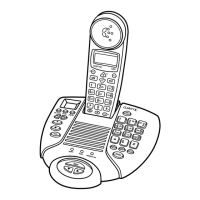
CONNECTING THE ANSWERING MACHINE BASE STATION
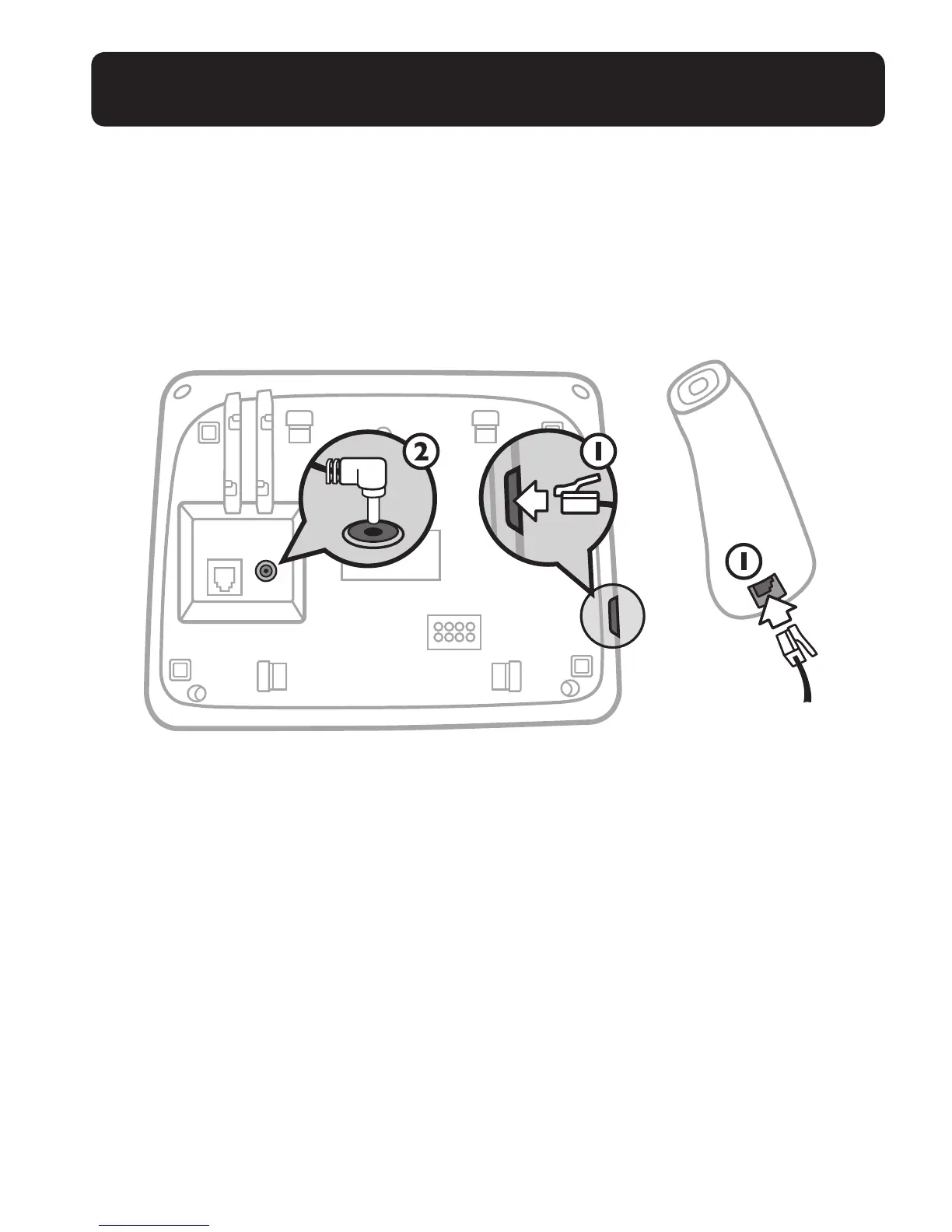
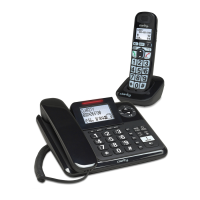
1 – Connect the corded handset to the base station as shown below.
2 – Plug the power supply cord into the jack located on the back of the base station.
Plug the other end of power supply line cord into an electrical outlet.
Always use the cables provided in the box.
WARNINGS: Use only the power adapter provided for the base station.
Always use the cables provided in the box, others may not be compatible.
Note: The base unit needs mains power for normal operation, and the cordless handset will
not work without it.
If you have a Broadband line (ADSL)
If you connect your telephone to a line with a broadband (ADSL) connection, you
will need to insert a micro-lter between the telephone and the telephone line, other-
wise you may get interference between the telephone and the broadband, which could
cause problems.
In a home with broadband, every telephone must have a micro-lter connected, not
just the one at the telephone point that your modem is connected to. If you need more
broadband (ADSL) micro-lters, contact your broadband supplier.
CONNECTING CORDED BASE


 To Next Page