9
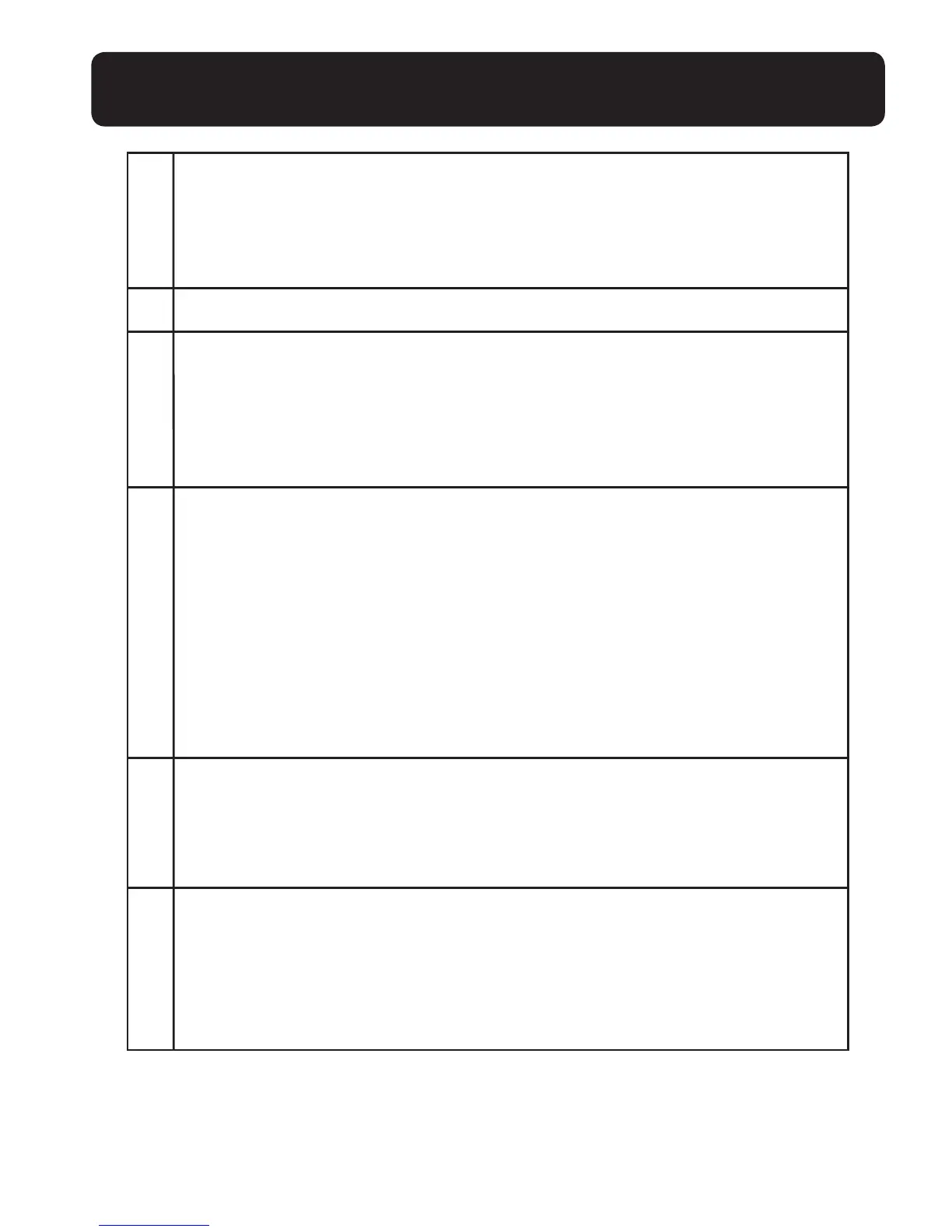
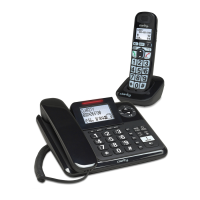
GETTING TO KNOW YOUR CORDED BASE
1 RINGER INDICATION
• Flashes when ringing.
•
In idle mode: ON if Answering machine is on; OFF if Answering
machine is off.
2 LCD DISPLAY
3 MEMORY KEYS
•
In dial mode: Long press to store the Store the number
entered from idle mode.
•
In idle mode: Press to dial out to the number stored in the
memory key.
4 CLEAR/MUTE
•
In main menu mode: Press to go back to idle screen.
•
In sub-menu mode: Press to go back to previous level.
•
In sub-menu mode: Press and hold to go back to idle screen.
•
In editing/predialing mode: Press to clear a character / digit.
•
In editing/predialing mode: Press and hold to delete all the
characters/digits.
•
During a call: Press to mute/unmute the microphone.
• In ringing: Press to silence.
5 OK/MENU
•
In idle mode: Press to access the main menu.
•
In sub-menu mode: Press to conrm the selection.
•
In Redial List/Call log: Press to store the number into Directory.
6 DIGIT KEYPAD (0-9, *, #)
•
In predial or editing mode: Press to enter a digit or character.
•
In predial or editing mode: Press and hold to insert a pause.
•
In idle mode: Long press 1 to dial to the preset voice mail number.
(Network service subscription is required)


 To Next Page