Planned Maintenance and Lubrication
6.8
Battery Removal from Truck
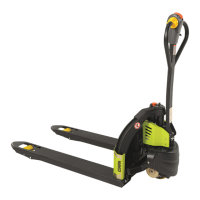
The WPL25 is equipped with a Lithium Ion battery that must be removed
from the truck to be charged.
• Park truck on at solid ooring, only in authorized locations.
• Be sure travel control is in NEUTRAL.
• Lower forks fully to oor.
• Place control handle in full turn and raise handle to
"UP" position to apply brake.
• Remove the key from the key hole to power truck o.
• Press the Emergency Shut O switch.
• Block drive wheel to prevent accidental roll.
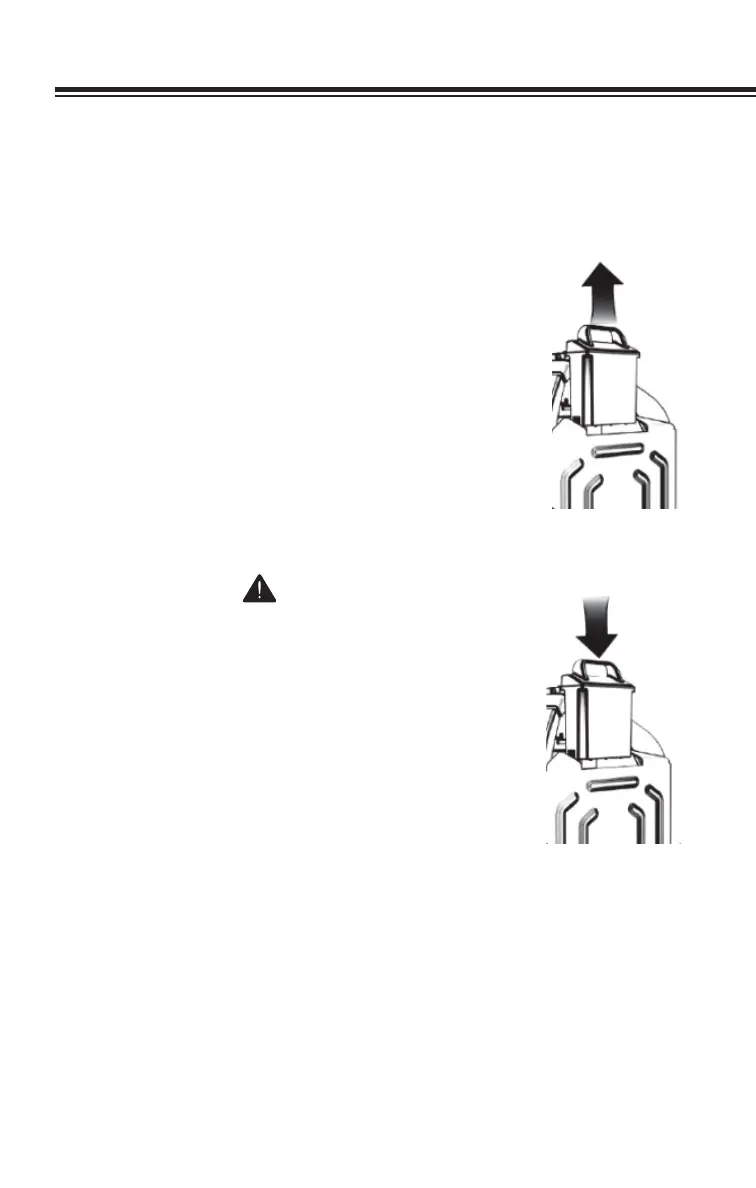
• Remove battery from truck by lifting it straight up
and out of it's socket.
To reinstall battery, lower it down back into it's socket.
WARNING
Before removing the battery make sure that the
truck is completely powered down.
NOTE
When plugging in the battery on the truck make
sure that the contact pins on the battery match
those on the truck.


 To Next Page