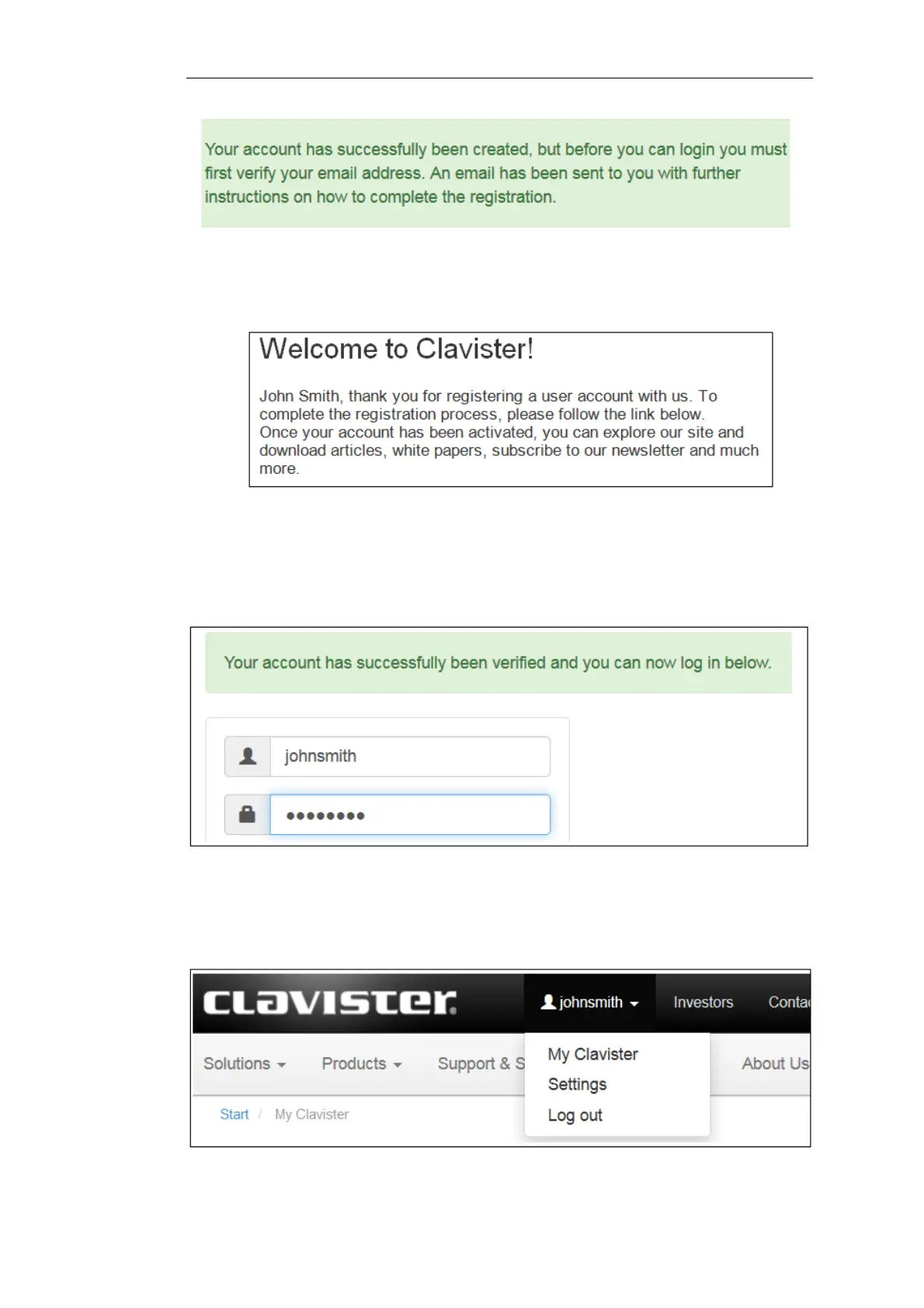
5. Below is an example of the email that John Smith would receive.
6. When the confirmation link in the email is clicked, the new customer is taken to a webpage
to indicate that confirmation has been successful. They should now log in to the Clavister
website with the credentials they have submitted during registration.
7. After logging in, the website toolbar will show the name of the currently logged in
customer.
Chapter 2: Registering with Clavister
13


 To Next Page