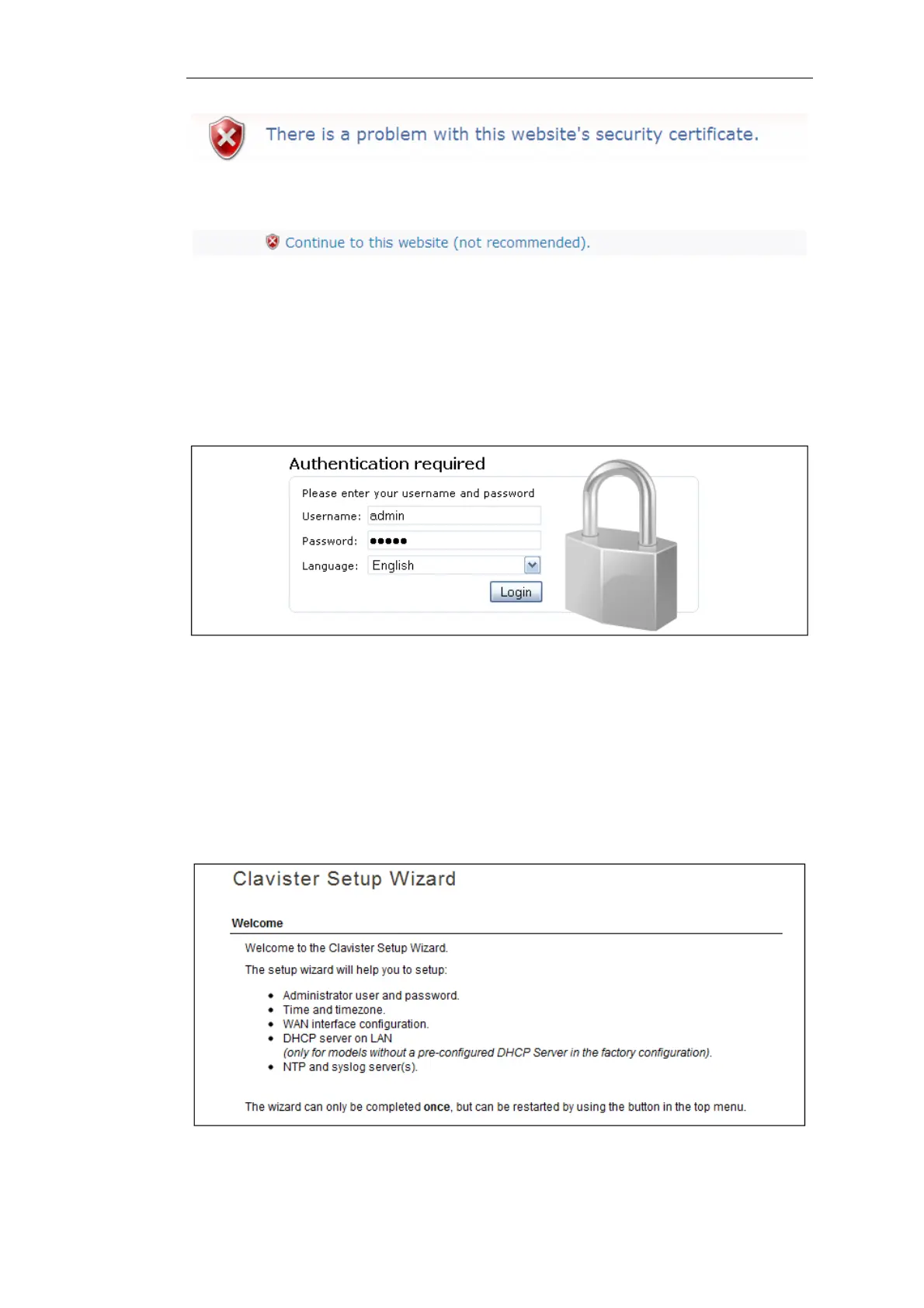
To continue, tell IE to accept the certificate by clicking the following link which appears near the
bottom of the browser window.
In Firefox, this procedure is called "Add a security exception".
It is possible to configure cOS Core to use a CA signed certificate instead of self-signed certificate
for the management login and doing this is described in the cOS Core Administration Guide.
The Login Dialog
cOS Core will next respond like a web server with the initial login dialog page as shown below.
The available Web Interface language options are selectable at the bottom of this dialog. This
defaults to the language set for the browser if cOS Core supports that language.
Enter the administrator username admin and default password admin.
The Setup Wizard
After login, the Web Interface will appear and the cOS Core setup wizard should begin
automatically. The first wizard dialog is the wizard welcome screen which should appear as
shown below.
Chapter 4: cOS Core Configuration
30


 To Next Page