3.5. Connecting Power
This section describes connecting power. As soon as power is applied, the E20 will boot-up and
cOS Core will start.
Important
Please review the electrical safety information in Chapter 7, Safety Precautions.
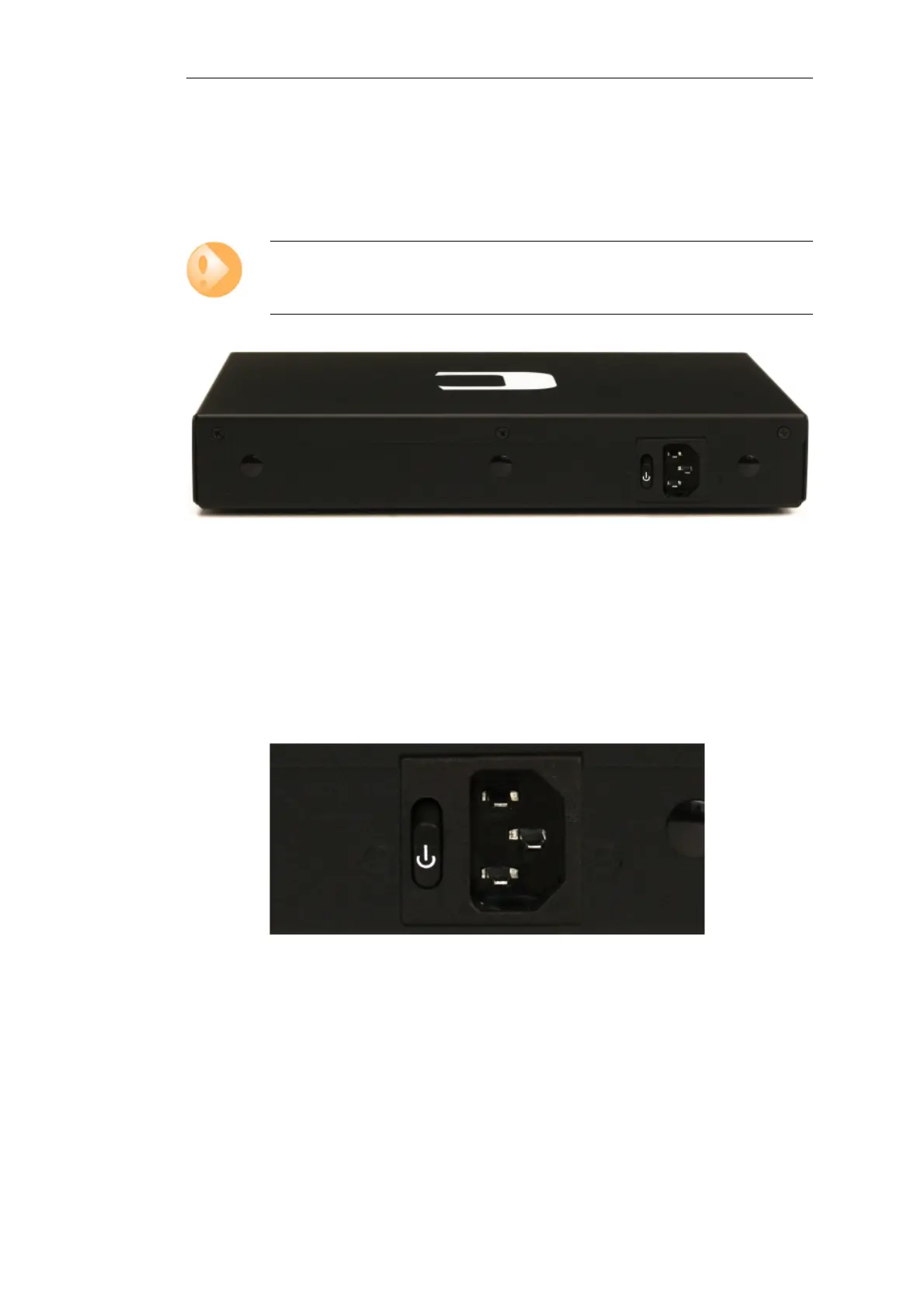
Figure 3.2. Rear view of the Clavister E20
Connecting AC Power
To connect power, follow these steps:
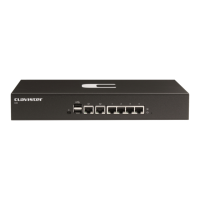
1. Plug the end of the power cord into the power inlet socket on the E20.
Figure 3.3. E20 Power Inlet Socket
2. Plug the other end of the power cord into a grounded power outlet.
3. Power is controlled by a rocker switch situated to the left of the power inlet socket. To
switch on, depress the upper part of the switch so move it moves to the On position.
4. The E20 will boot up as soon as power is applied and cOS Core will start. The progress of the
boot up can be seen on a CLI console connected to the local console port.
Chapter 3: E20 Installation
23


 To Next Page