List of Figures
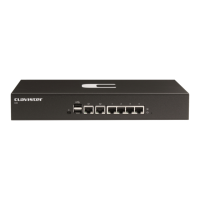
1.1. An Unpacked Clavister E20 Appliance ................................................................ 7
1.2. Clavister E20 Connection Ports .......................................................................... 9
1.3. The E20 Ethernet Interface Ports ........................................................................ 9
3.1. The E20 Mini-USB Local Console Port ................................................................ 21
3.2. Rear view of the Clavister E20 ........................................................................... 23
3.3. E20 Power Inlet Socket .................................................................................... 23
4


 To Next Page