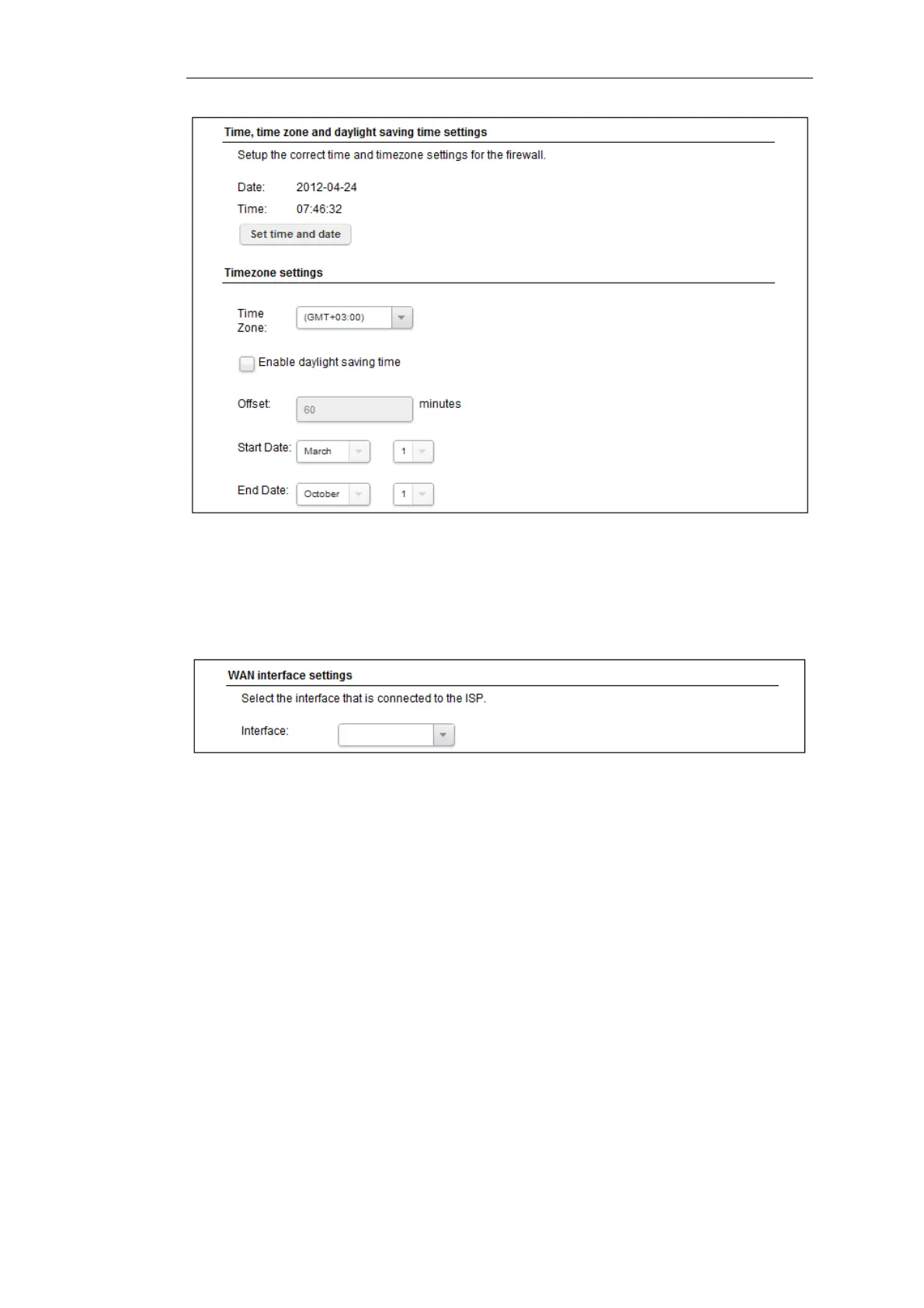
Wizard step 3: Select the WAN interface
Next, you will be asked for the WAN interface that will be used to connect to an ISP for Internet
access.
Wizard step 4: Select the WAN interface settings
This step selects how the WAN connection to the Internet will function. It can be one of Manual
configuration, DHCP, PPPoE or PPTP as shown below.
Chapter 4: cOS Core Configuration
32


 To Next Page