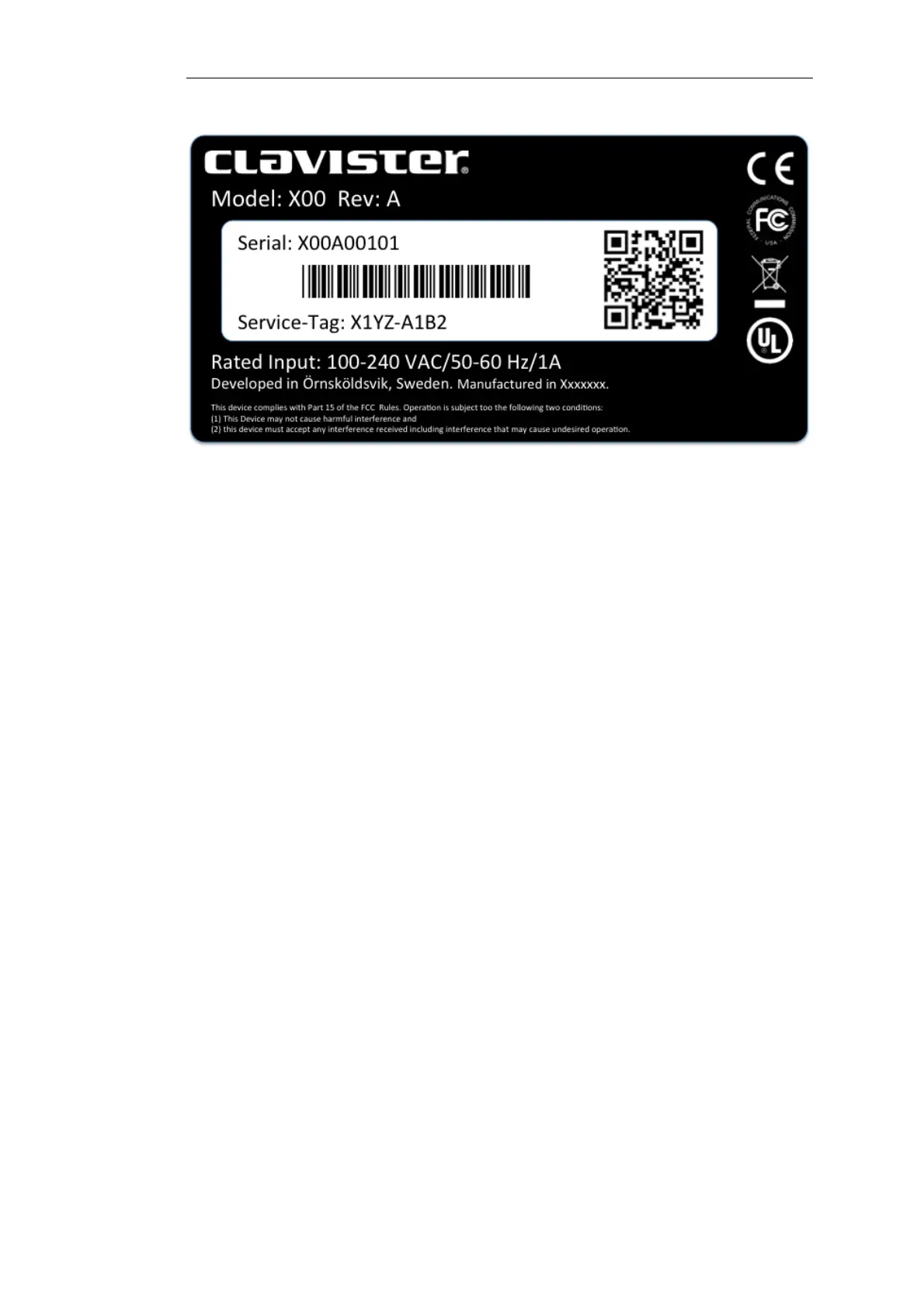
The image above shows an example label which illustrates the typical layout of identification
labels found on Clavister hardware products.
After Successful Hardware Registration
Once the E20 hardware unit is registered, a cOS Core license for the unit becomes available for
download and installation from Clavister servers. This installation can be done automatically
through the cOS Core Setup Wizard which is described in Section 4.2, “Web Interface and Wizard
Setup”.
If the E20 is not connected to the Internet, the license must be manually downloaded from the
cOS Core website and then manually uploaded.
All license installation options are listed and discussed in Section 4.5, “License Installation
Methods”.
Chapter 2: Registering with Clavister
15


 To Next Page