18
Battery Removal
Please follow below procedures:
A. Remove the screws on battery cover with a screw driver.
B. Pull out the battery cover
C. Grasp the isolated strips at two sides of the battery and pick the battery up.
Separate the wire connector that links battery and robot.
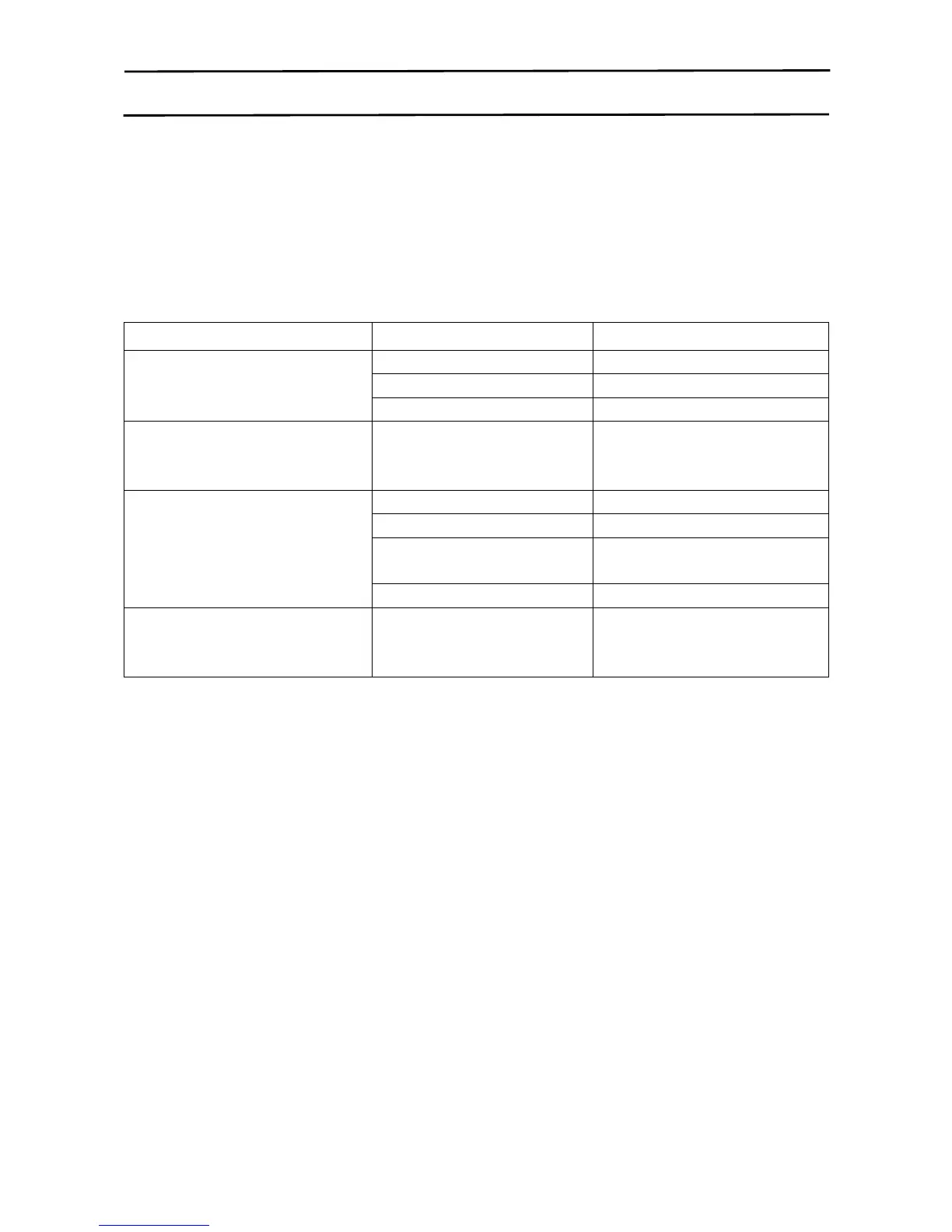
Product Specification:
Classification Item Detail
Mechanical specifications
Diameter 300mm
Electronic specifications
Battery specifications 14.4V
Ni-MH 1500mAh
Functional specifications
Dust bin capacity 0.4L
Charging type Auto & Manual Charging
Cleaning mode One key to clean & remote



 To Previous Page