ICS-2003 INTERCOM STATION
1-1
OPERATION
INTRODUCTION
This chapter describes how to operate an ICS-2003 display intercom station and
its digital equivalent, the ICS-2003T. Station operators can use this manual after
the Eclipse System has been correctly installed and configured.
DESCRIPTION
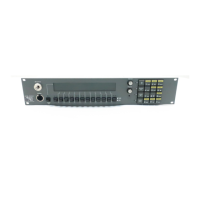
ICS-2003/ICS-2003T DISPLAY STATION
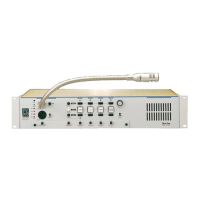
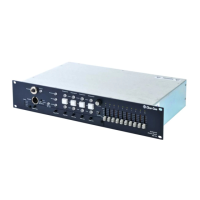
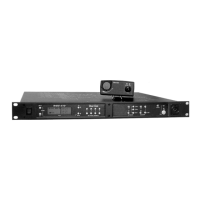
The ICS-2003/2003T intercom station is assembled in a small, 2-RU high (2.5
in. or 6.35 cm) chassis with 12 selectors. The station has the following features:
• Individually adjustable listen levels
• A 60 x 480 pixel EL display
• Local station configuration menus and functions
• Visible, assignable answer-back stack
• Swap window (provides additional 12 selector assignments)
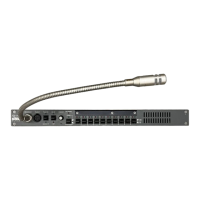
• Built-in speaker and optional plug-in panel microphone
• Front-panel headset connector
• Call signaling ability
• “Answer Back” facility
• Local program input and volume control
• Programmable relay
•Mute relay
• Two logic inputs for external control of selected station functions
• Page override support
STATION OPTIONS
The ICS-2003/2003T can be equipped with the following options:
• OPT-100 Auxiliary Audio Output
• XP-12/22 or XPL-12/22 Expansion Panels
This chapter describes how
to operate an ICS-2003
display intercom station, and
how to operate its digital
equivalent, the ICS-2003T.
1



 To Next Page