9
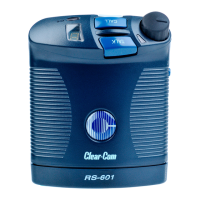
R S - 6 0 1 B E L T P A C K
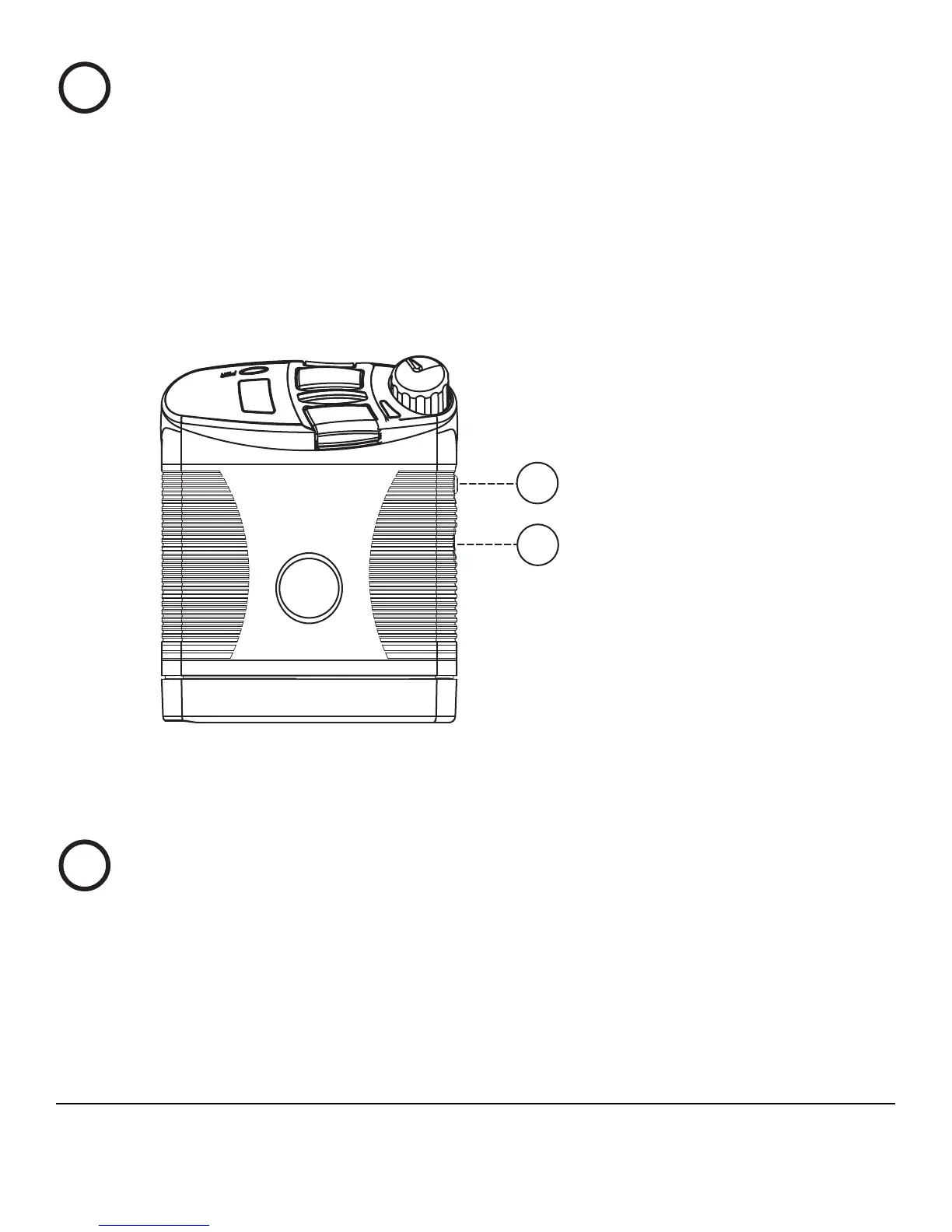
Power Status Light
An illuminated power status light indicates that the beltpack is
connected to a powered intercom line.
Note: The light may illuminate even if the beltpack is receiving less
than the minimum 12 VDC required for beltpack operation.
Figure 2: Side Controls for RS-601 Beltpack
Setup Button
When you press and hold the blue setup button for approximately
three seconds, the beltpack enters “setup mode” during which you can
select certain operating features for the beltpack.
7
4FUVQ#VUUPO
$PNQVUFS$POOFDUPS
8





 To Next Page