25
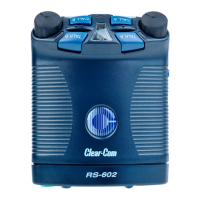
RS-601 BELTPACK
Call-on-Talk, Function 4
This function causes a beltpack to send a call signal each time you
press or latch the talk button. You can toggle this function on or off.
When using “call-on-talk,” it is recommended that you set the talk
button for non-latching operation. Call-on-talk is useful when
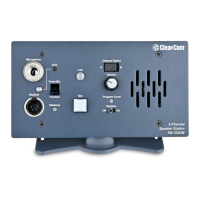
operating call-signal based components such as the Clear-Com
TW-40 two-way radio interface and the Clear-Com KB-212 speaker
station.
To select “call-on-talk”:
1. Press and hold the setup button until the setup information
window displays a “P” and then release the button.
2. Repeatedly press the call button until “4” appears in the display.
3. Press the talk button to toggle “call-on-talk” either on or off.
The beltpack’s talk light reveals whether “call-on-talk” is on or off.
If the talk light is on, “call-on-talk” is on; if the talk light is off,
“call-on-talk” is off.
4. When you have made your selection, press the setup button to save
it and to exit setup, or press the call button to select other
functions to program.
If you do not press a button within five seconds, the beltpack exits the
setup program without making any changes.






 To Next Page