29
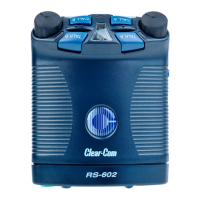
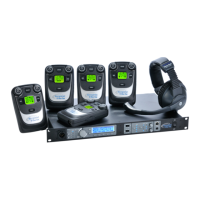
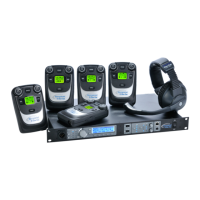
RS-601 BELTPACK
Lockout, Function L
“Lockout” allows you to prevent all editing of beltpack functions with
onboard controls.
When you select “lockout,” you can access the on-off status of
functions with the onboard controls, but you cannot edit them. You
cannot access information about which mode is active.
To regain access to editing, you can either restore the factory default
settings from the beltpack itself, or use the V-Pack software to restore
them.
To select “lockout”:
1. Press and hold the setup button until the setup information
window displays a “P” and then release the button.
2. Repeatedly press the call button until “L” appears in the display.
3. Press the talk button to toggle “lockout” either on or off.
The beltpack’s talk lights reveals whether “lockout” is on or off. If
the talk light is on, “lockout” is on; if the talk lights is off,
“lockout” is off.
4. When you have made your selection, press the setup button to save
it and to exit setup, or press the call button to select other
functions to program.
If you do not press a button within five seconds, the beltpack exits the
setup program without making any changes.






 To Next Page