EasyManua.ls Logo

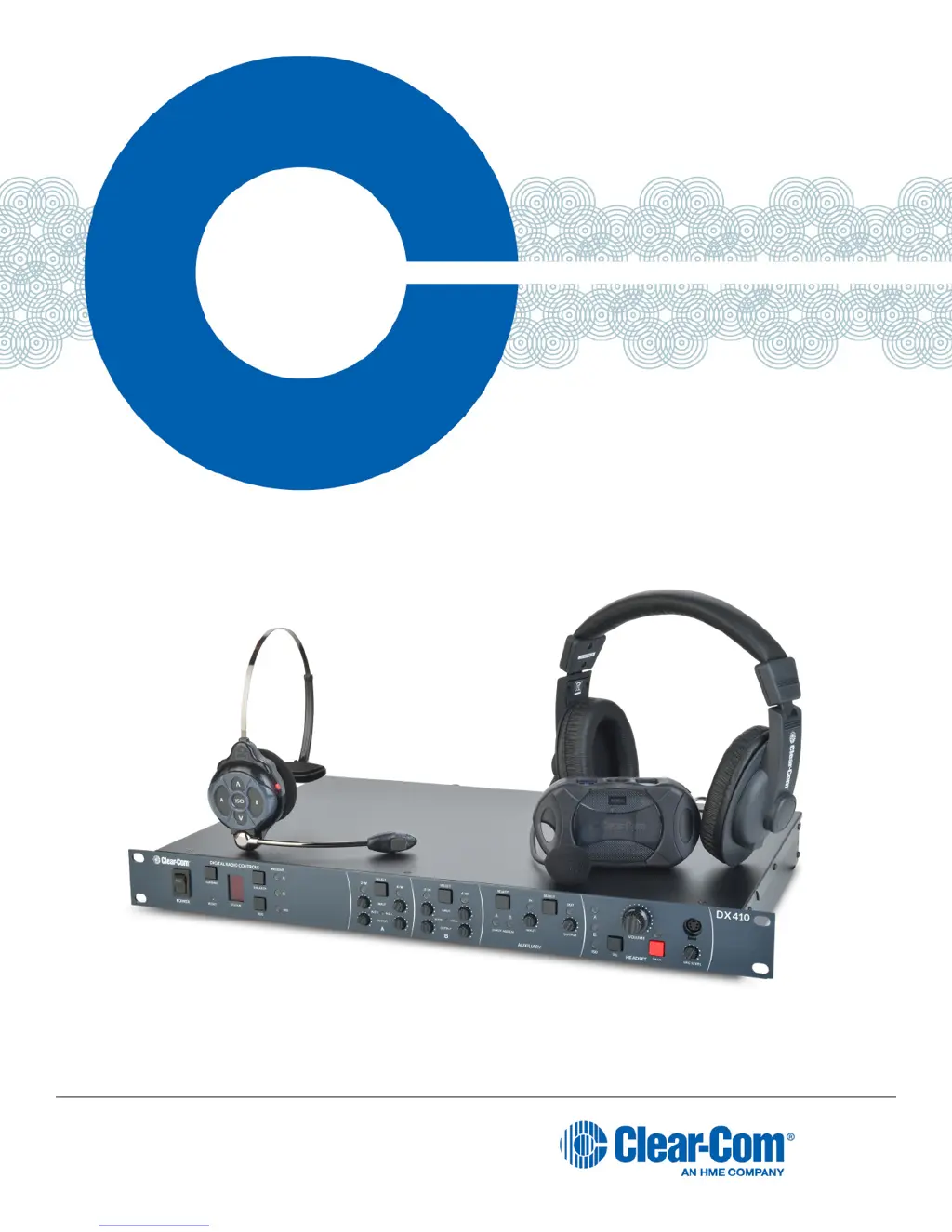
Clear-Com HME DX410 - User Manual

Clear-Com HME DX410
38 pages
Print Icon
To Next Page IconTo Next Page
Loading...
Part Number: 399G162 Rev B
Date: 1/27/16
Clear-Com HME DX410
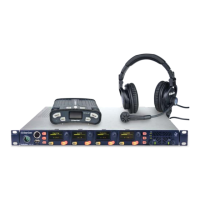
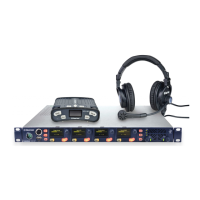
Dual-Channel Wireless Intercom
User
Guide

Questions and Answers

  • C
    Christina Ray DVMAug 14, 2025
    Why can't people on RTS/Clear-Com systems hear me on my Clear-Com HME DX410 Intercom System?
    • C
      Cynthia MillerAug 14, 2025
      Ensure the cables are securely connected and the 2-wire intercom is on. If you're using a local headset, check that the correct IC setting is selected in the HEADSET section on the base station's front panel. If you're using a Belt Pack or All-In-One Headset, press the appropriate IC button.
  • T
    Tammy FullerAug 17, 2025
    Why can't others hear me when I talk on my Clear-Com HME DX410 Intercom System?
    • H
      Holly Murphy DVMAug 17, 2025
      Make sure the headset is securely connected to the Belt Pack or base station. When using a Belt Pack, ensure you are pressing the A, B, or ISO button. If using the base station, press the TALK button. Also, verify that the correct A, B, or ISO setting is selected in the HEADSET section on the base station's front panel.
  • K
    Karen HallAug 20, 2025
    What to do if people on the 4-wire intercom cannot hear me, or I cannot hear them on Clear-Com HME DX410?
    • H
      Hannah CastroAug 20, 2025
      First, check that all cables are securely connected and that the 4-wire intercom is powered on. If you are using a local headset, ensure the correct IC setting is selected within the HEADSET section on the base station's front panel. For Belt Pack or All-In-One Headset users, press the desired IC button.
  • W
    woodsphillipAug 25, 2025
    What to do if I hear 'out of range' in my Clear-Com Intercom System headset?
    • T
      Tammie SanchezAug 25, 2025
      Try turning the Belt Pack and base station power off and on. You might be too far away from the base station. Keep in mind that the range varies depending on the layout of your location.
  • T
    Timothy HerreraAug 27, 2025
    What to do if 2-W LEDs remain red on Clear-Com HME DX410?
    • J
      Jose NicholsAug 27, 2025
      Plug the system into a 2-W power supply. If you intentionally don't have a powered 2-W system (e.g., when using a Clear-Com MT1 or daisy-chaining base stations), open the base station cover and set JP1 (A) and/or JP2 (B) to the ON position. If daisy-chaining, remember to terminate one of the base stations by setting JP5 (A) and/or JP6 (B) to ON.
  • A
    Allen RushAug 30, 2025
    How to fix a loud squeal when talking on my Clear-Com HME DX410?
    • S
      sullivanrobertAug 30, 2025
      A loud squeal can occur if two or more base stations are daisy-chained without terminating the appropriate channel. To resolve this, set the termination by putting JP5 (A) and/or JP6 (B) in the ON position. This should be done on only one base station.
  • D
    davidhaleSep 2, 2025
    What causes echo on the 2-W line in Clear-Com Intercom System and how to resolve it?
    • D
      diana12Sep 2, 2025
      Ensure that no wired Belt Packs have open mics and that the line is terminated. Then, rerun Auto Null.
  • F
    fkingSep 6, 2025
    Why Clear-Com HME DX410 settings are not retained?
    • C
      Crystal DanielSep 6, 2025
      The internal battery may be low. Contact your dealer.
  • J
    Jason GonzalezSep 9, 2025
    What to do if the red light on the Clear-Com Intercom System base station power switch does not come on?
    • S
      Samuel MooreSep 9, 2025
      Ensure that the power cords are properly connected to the base station, power supply, and electrical outlet.

Summary

MANDATORY SAFETY INSTRUCTIONS FOR INSTALLERS AND USERS

SYSTEM OVERVIEW

SYSTEM SETUP

Charging the Batteries

Basic Base Station Setup

COMMUNICATOR Setup and Registration

Setting Up Communicators

Procedures for preparing and connecting belt packs and headsets before registration.

Register COMMUNICATORs

COMMUNICATOR Settings

Interfacing with 2-Wire or 4-Wire Intercoms

Interfacing with Auxiliary Audio Equipment

Intercom Controls and Indicator Lights

SYSTEM OPERATION

Base Station Operation

Guidance on operating the base station, including controls and indicator lights.

COMMUNICATOR OPERATION

Power and Basic Operations

Instructions for powering units on/off, using ISO, and basic communication modes.

Special Headset Modes and Battery

EU BASE STATION ADAPTIVE FREQUENCY HOPPING

Operation in Severe Environments

TROUBLESHOOTING

TECHNICAL DATA

BP410 Belt Pack Specifications

WH410 All-In-One Headset Specifications

APPENDIX A: COMMUNICATOR Indicator Light Functions

APPENDIX B: MULTIPLE BASE STATION DAISY-CHAINING

APPENDIX C: JUMPER SETTINGS

APPENDIX D: INTERFERENCE AVOIDANCE THROUGH SPECTRUM FRIENDLY

Spectrum Friendly Operation

Avoiding Wi-Fi Interference

Clear-Com HME DX410 Specifications

General IconGeneral
Frequency Range2.4 GHz
Number of Channels4
Audio CodecProprietary
Headset Charge Time3 hours
System TypeWireless Intercom
Battery LifeUp to 12 hours
LatencyLess than 10 ms
Connectors3.5mm

Related product manuals