22
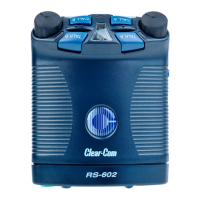
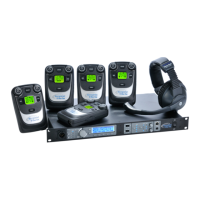
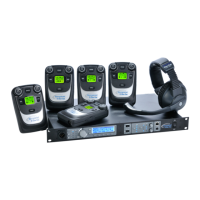
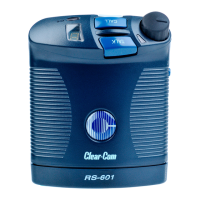
RS-601 BELTPACK
Mode Select, Function 1
A “mode” is one complete “package” of settings for a beltpack. Each
beltpack’s memory holds four modes. You can easily select and
activate any one of the four modes directly from the beltpack.
When you receive your beltpack, each of the four modes is
preprogrammed with the Clear-Com default settings. Each mode is
similar to the others, with only minor variations.
With onboard setup, you can select any one of the four modes and
change specific settings to your requirements. Editing a mode’s
settings automatically saves them in the beltpack’s nonvolatile
memory.
To select a mode:
1. Press and hold the setup button until the setup information
window displays a “P” and then release the button.
2. Press and release the talk button. A winking number appears in the
display. This is the currently selected mode.
Note: A “winking” light flashes three times per second.
3. To select a new mode, press the talk button to scroll through the
four possible modes, 1 through 4.
4. When the desired mode appears in the display, press the setup
button to select the mode and to exit setup.
The selected mode becomes the active mode for the beltpack. If you
do not press a button within five seconds, the beltpack exits the setup
program without making any changes.





 To Next Page