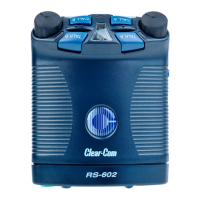
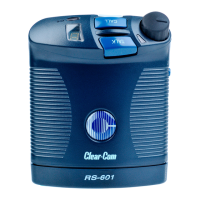
RS-601 BELPACK
37
PROBLEM
Call light stays on.
CAUSE
DC voltage present on audio line pin 3.
SOLUTION
Check cables for shorts and cross-wiring.
Make sure there is a termination on the
channel.
PROBLEM
Mic level too low or too high.
CAUSE
Mic distance from mouth too far or too
close; mic gain set incorrectly; sidetone set
incorrectly; no terminations or more than
one termination.
SOLUTION
Reposition mic and/or change headset mic
gain.
PROBLEM
Headset level too low or too high.
CAUSE
Unterminated channel; improper
impedance; shorted line.
SOLUTION
Adjust sidetone and volume controls; check
wiring; use compatible headset.





 To Next Page
