6
3. Hook up your video source.
Using the included video transfer cable (with red,
white, and yellow connectors), hook up your video
source (a VCR, camcorder, DVD player, gaming
device, or similar) to your Video2Digital®
Converter 2.0.
Connect the cable to the “OUT” ports of your
video source, and into the yellow, white, and red
“IN” ports on the top of the Video2Digital®
Converter 2.0.
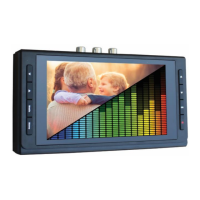
Note, the converter’s preview screen may remain
black or blue until the device detects a live signal
from your video source. Continue to the next step.
4. Start converting your video!
Press “Play” on your video source (VCR,
camcorder, etc.) and start playing from it.



 To Next Page