9
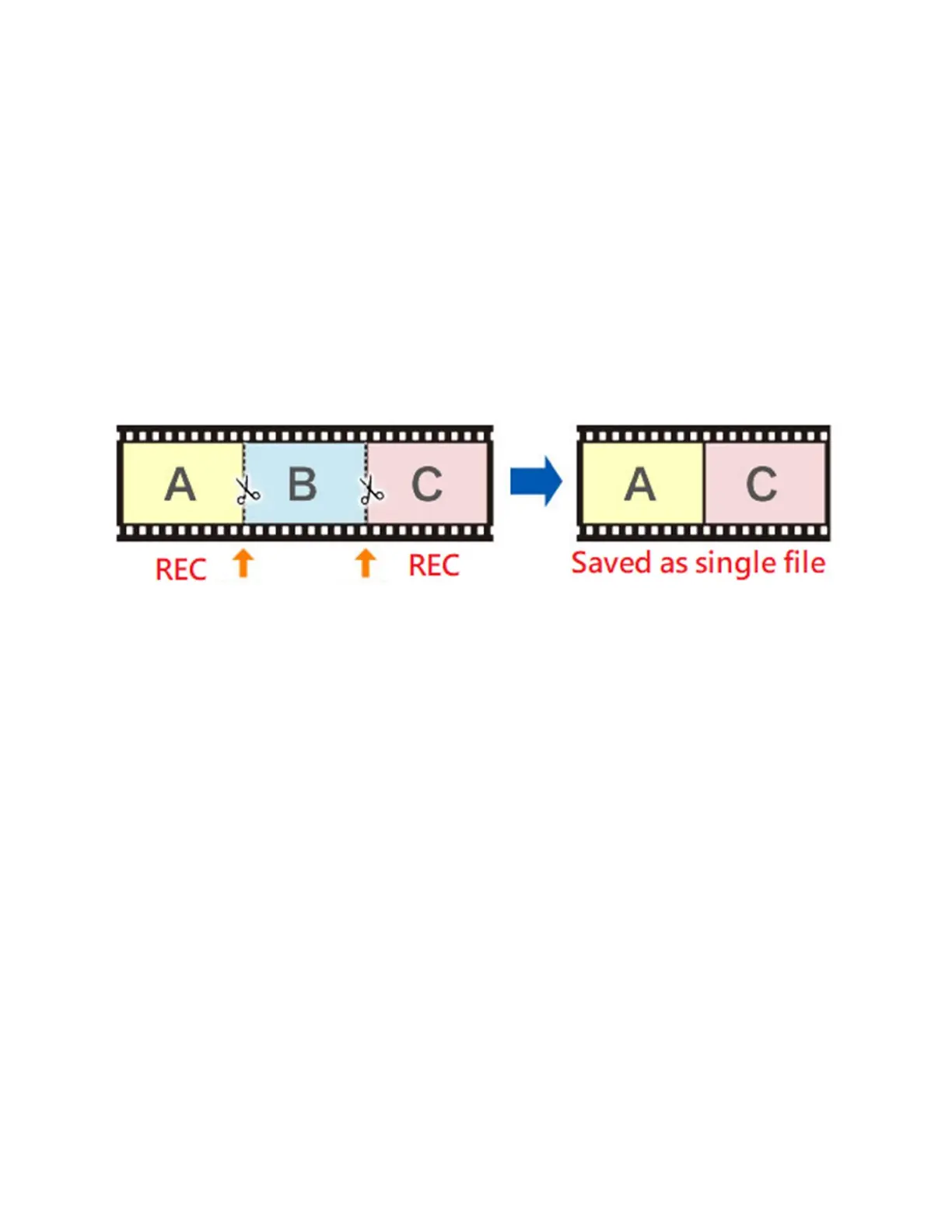
How To Pause/Resume Recording
After you’ve started recording, you may
pause/resume recording by pressing the “OK”
button. The converter won’t record anything while
recording is paused. Press the “OK” button again to
resume recording.
How To Turn Off Time/Date Stamp
By default, the converter will overlay the time & date
on your converter videos. Many users like to turn this
feature off.
To do this, press the “Menu” button. Scroll down to
the “Time watermark” menu option. Then press
“OK.” The checkbox next to the option should
disappear. Then close the menu by pressing the
“Menu” button again.



 To Next Page