INSTALLING THE CHAT SOFTWARE FOR WINDOWS
1. Download the CHAT software by accessing the following:
http://www.clearone.com/support/downloads.php?content=main
Select your device from the “BY PRODUCT” window and click SEARCH and the screen will display only
those downloads available for your specific device. Select the latest version of the CHAT 60/160 Software
and the system will display a confirmation window for the software to be downloaded to your computer.
2. Unzip the downloaded folder and run
SSeettuupp..eexxee
to begin the installation process.
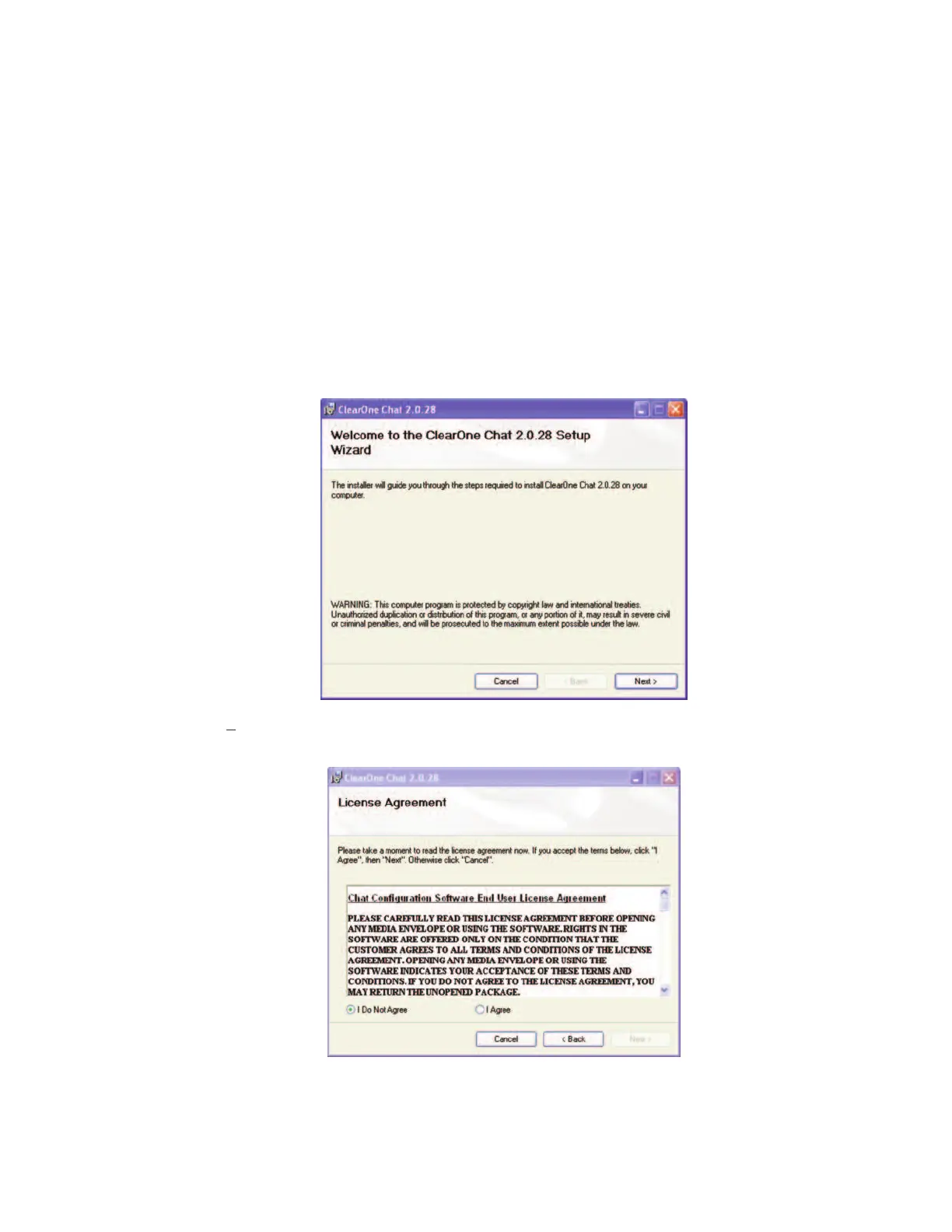
3. Windows displays an
OOppeenn FFiillee SSeeccuurriittyy
dialog. Click
RRuunn..
The CHAT software
SSeettuupp WWiizzaarrdd
welcome
screen appears.
4. Click
NNeexxtt>>
. The
LLiicceennssee AAggrreeeemmeenntt
screen appears. Read the license agreement and select the
II AAggrreeee
radio button, then click
NNeexxtt>>
to proceed with installation.
>
NNoottee::
The following instructions show Windows XP screenshots. However, the installation procedure
is the same for Windows XP and all versions of Windows Vista.
Chapter 3 Configuring The CHAT 60
77



 To Next Page