3300
Technical Support: 800-283-5936
RECOVERING FROM AN INTERRUPTED FIRMWARE UPDATE
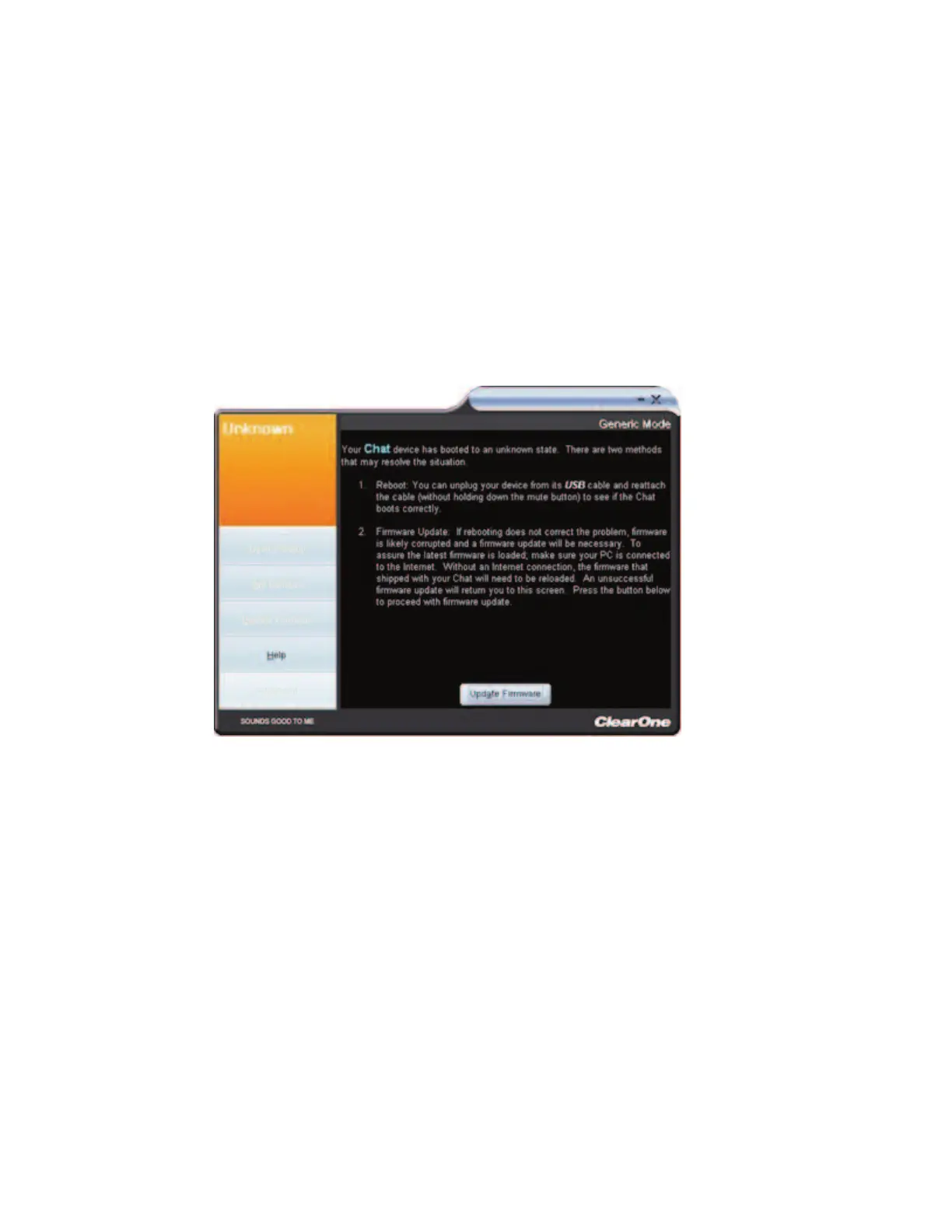
If a firmware update is interrupted by loss of power to the CHAT 60, the USB cable being disconnected, or an
unexpected programming error, the CHAT 60 may not function properly. To restore firmware, boot the CHAT 60
in Generic mode using the instructions shown below.
1. Disconnect the USB cable from the CHAT 60.
2. Hold down the
MMUUTTEE
button while re-connecting the USB cable.
3. The
UUppddaattee FFiirrmmwwaarree RReeccoovveerryy SSccrreeeenn
appears.
4. Click the
UUppddaattee FFiirrmmwwaarree
button and follow instructions that appear on-screen.
5. During the update, the messages “Initializing” and “Recovering” appear above the progress bar.
6. When the firmware file is recovered, the
UUppddaattee FFiirrmmwwaarree
utility automatically runs (see the
Update
Firmware
section for details).
The firmware is now restored and your CHAT 60 is ready to use.
In rare cases, Generic mode is unable to restore the firmware. If this occurs, the CHAT 60 automatically re-
boots in protected (DFU) mode and attempts to restore the firmware. Follow the instructions that appear on
screen, or contact ClearOne technical support for assistance.



 To Next Page