CONFIGURING YOUR CHAT 60
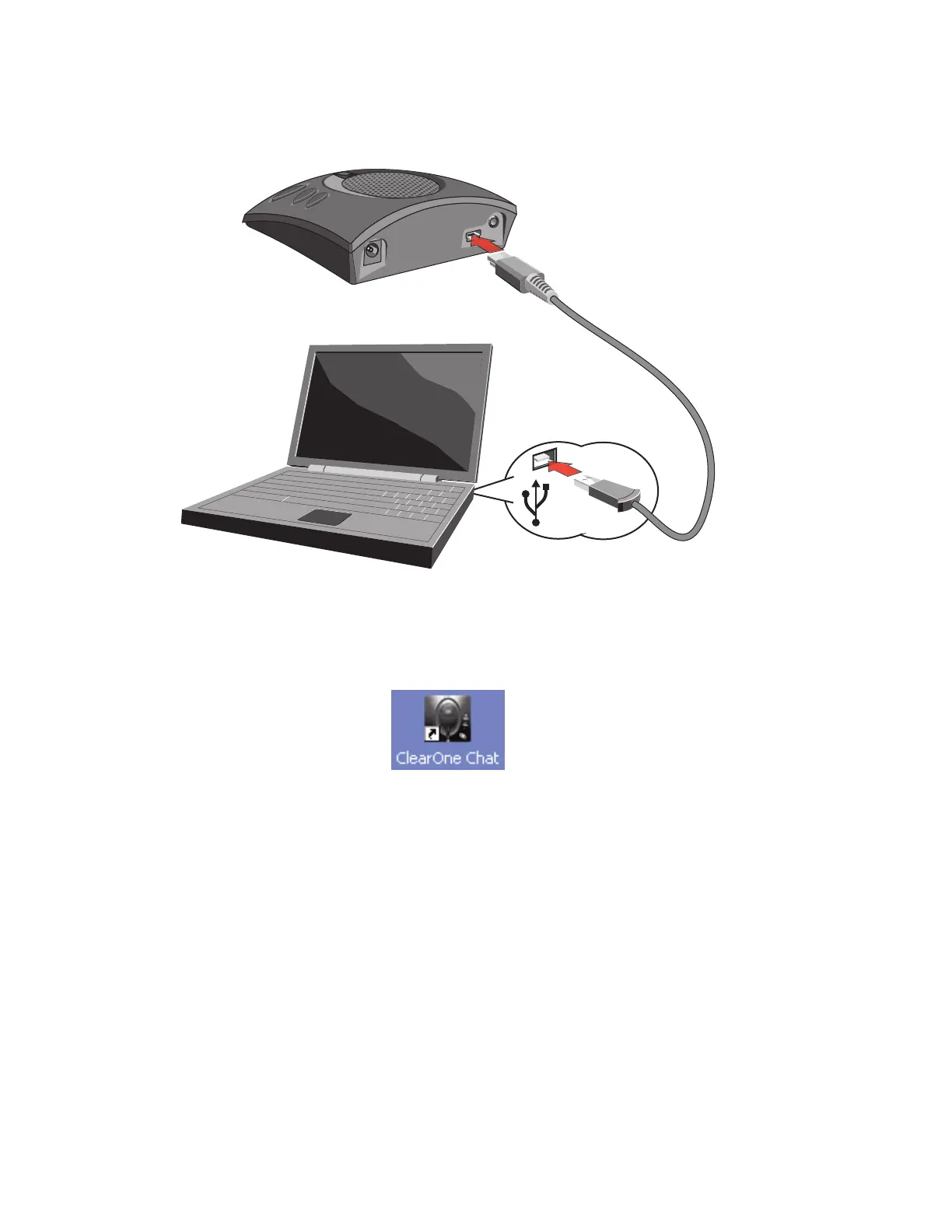
1. Use the included USB cable to connect the CHAT 60 to a USB port on your computer.
2. The status LED on the front of the CHAT 60 will turn blue, then red, the blue again to indicate that
Windows has recognized the connection.
3. The CHAT application icon appears.
Chapter 3 Configuring The CHAT 60
1111



 To Next Page