1166
Technical Support: 800-283-5936
CCoonnnneeccttiinngg ttoo aa CCeellll PPhhoonnee
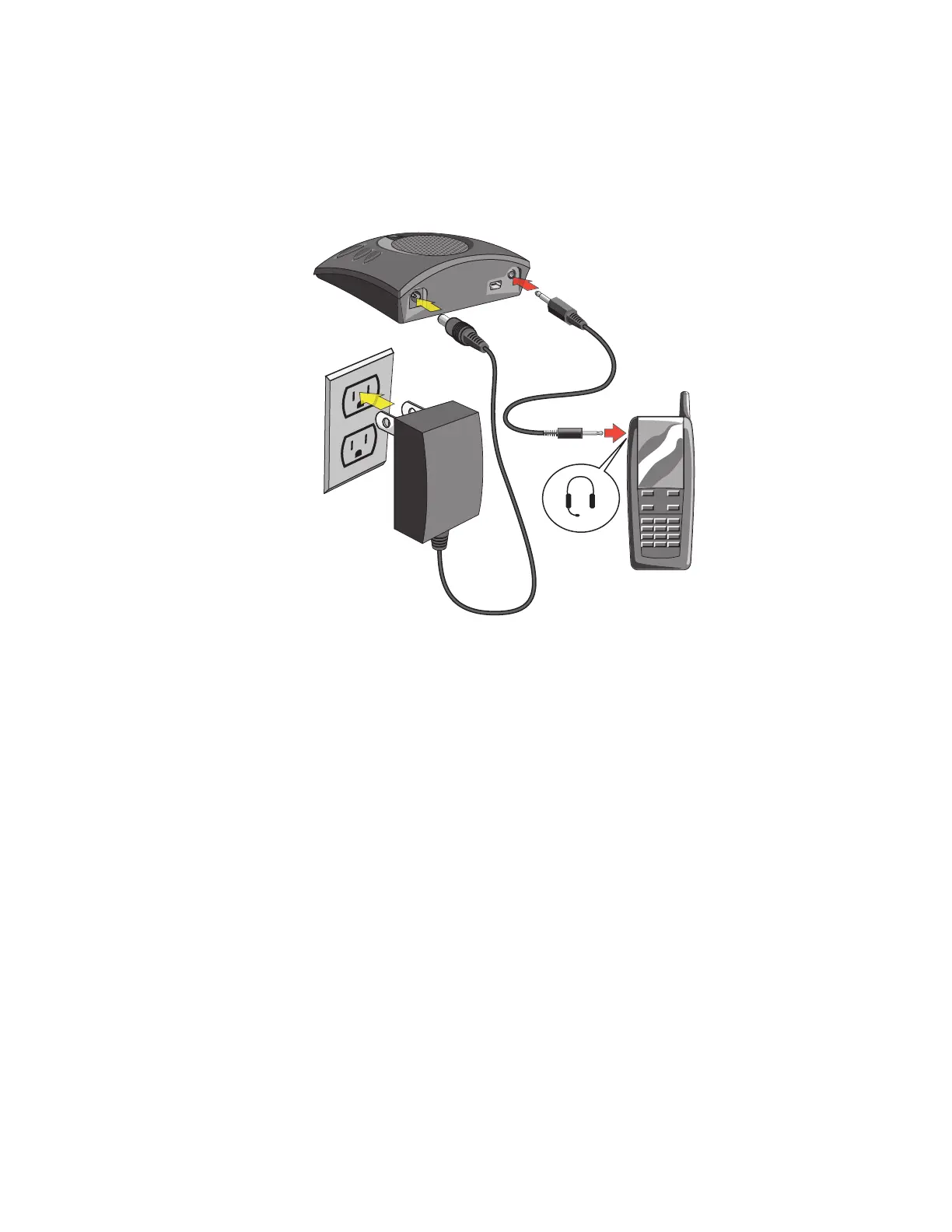
1. Using the CHAT 50 power supply (available seperately), connect the CHAT 60 to a power outlet.
2. Using a 2.5mm to 3.5mm cell phone connector cable (available seperately), connect the CHAT 60’s
lliinnee
aauuddiioo jjaacckk
to the
hheeaaddsseett jjaacckk
of the cell phone.
>
NNoottee::
Not all cell phones are supported. Refer to the CHAT software
DDeevviiccee SSeettuupp
tab and click
CCeellll
PPhhoonnee
for a list of supported phones.



 To Next Page