1188
Technical Support: 800-283-5936
CCoonnnneeccttiinngg ttoo aa DDeesskkttoopp VViiddeeoo CCoonnffeerreenncciinngg DDeevviiccee
In addition to using the CHAT 60 with PC-based webcams and video conferencing applications via USB, you
can also use it with stand-alone video conferencing devices.
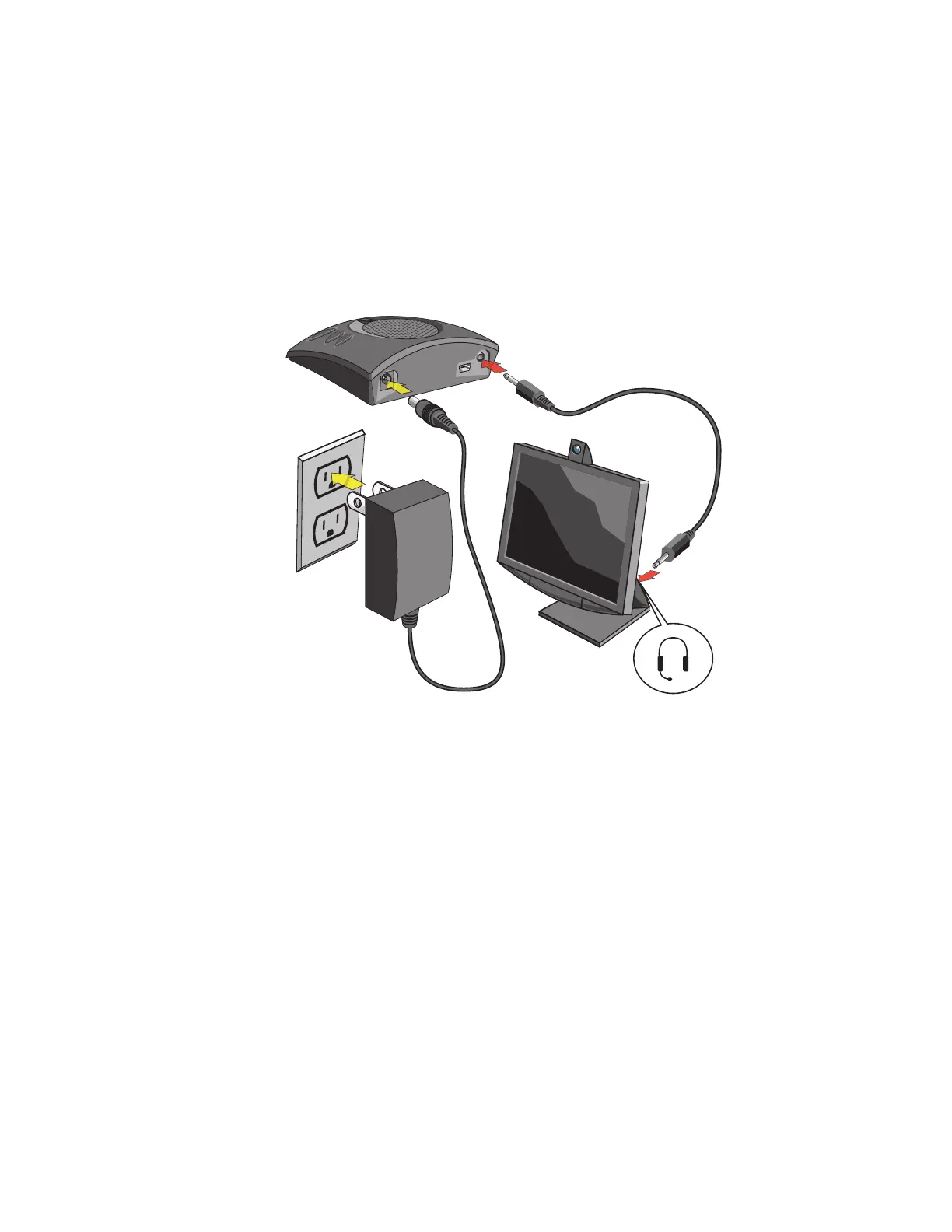
1. Using the CHAT 50 power supply (available seperately), connect the CHAT 60 to a power outlet.
2. Using a ClearOne accessory cable (available separately), connect the CHAT 60’s
lliinnee aauuddiioo jjaacckk
to the
device’s
hheeaaddsseett jjaacckk
. ClearOne makes two cables for desktop video conferencing with CHAT: 3.5mm
plug to dual RCA plug; and 3.5mm plug to 3.5mm plug. Contact your dealer to order cables and other
accessories.
(Custom cable
not included)



 To Next Page