25/3224/32
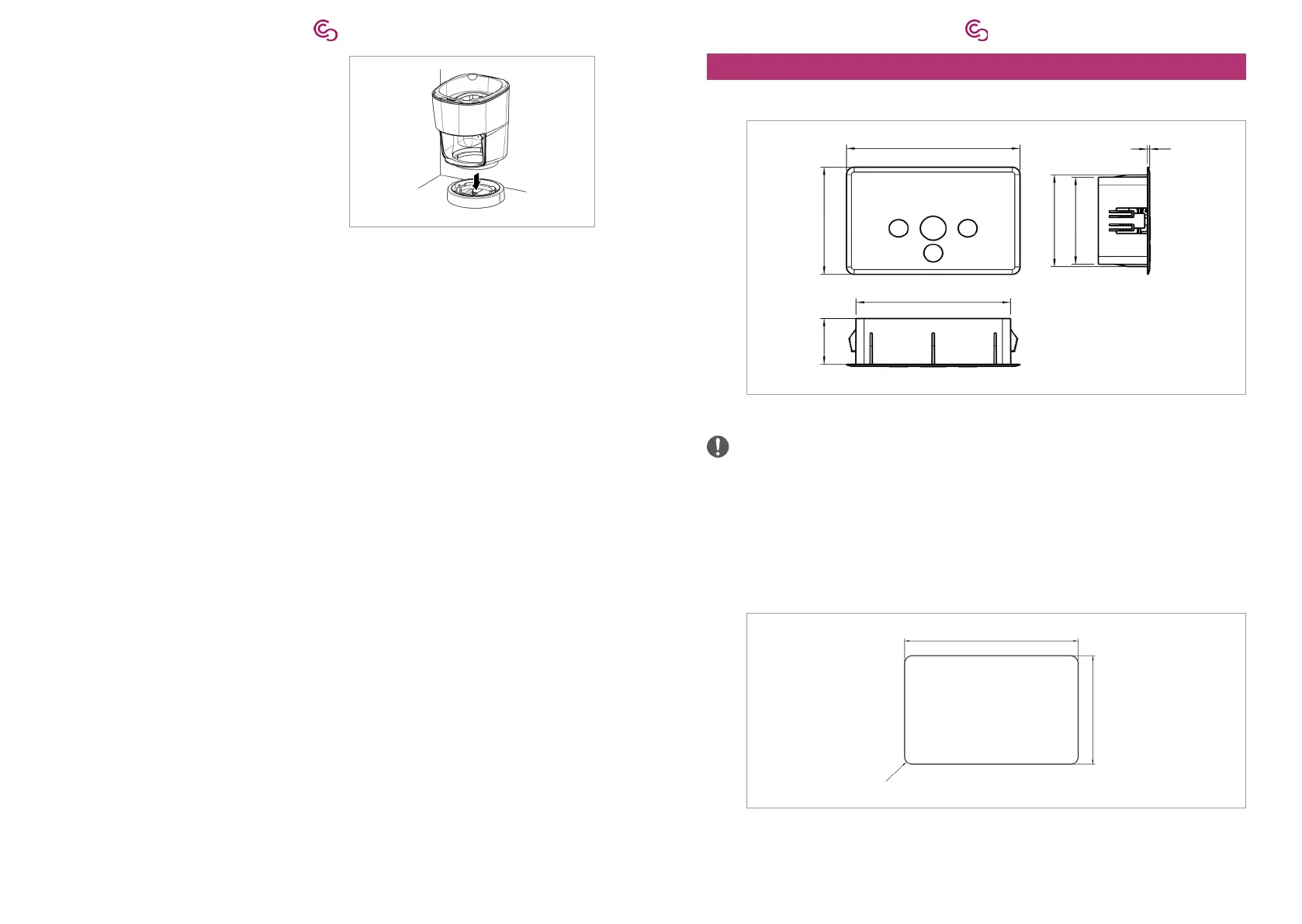
3. Place the round base on the L-Adapter.
10. Install the control panel
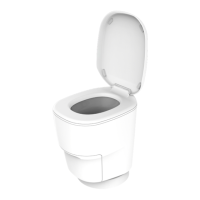
10.1. Flush mounng
128 mm
85 mm
36.3 mm
114 mm
72.9 mm
69 mm
1.8 mm
Fig. 6: Control panel measurements
wall to install the control panel.
1.
points:
– The display is clearly legible.
– The control panel can be easily operated.
–
– The distances between the control panel and the L-Adapter is smaller than the
116 mm
72.5 mm
max. R5
Fig. 7:
2. Create the wall opening according to the dimensions in the Fig. 7.
3. Lay the cable ends from L-Adapter or round base to the control panel.


 To Next Page