Disassembly
Removing the Battery 2 - 5
2.Disassembly
Removing the Battery
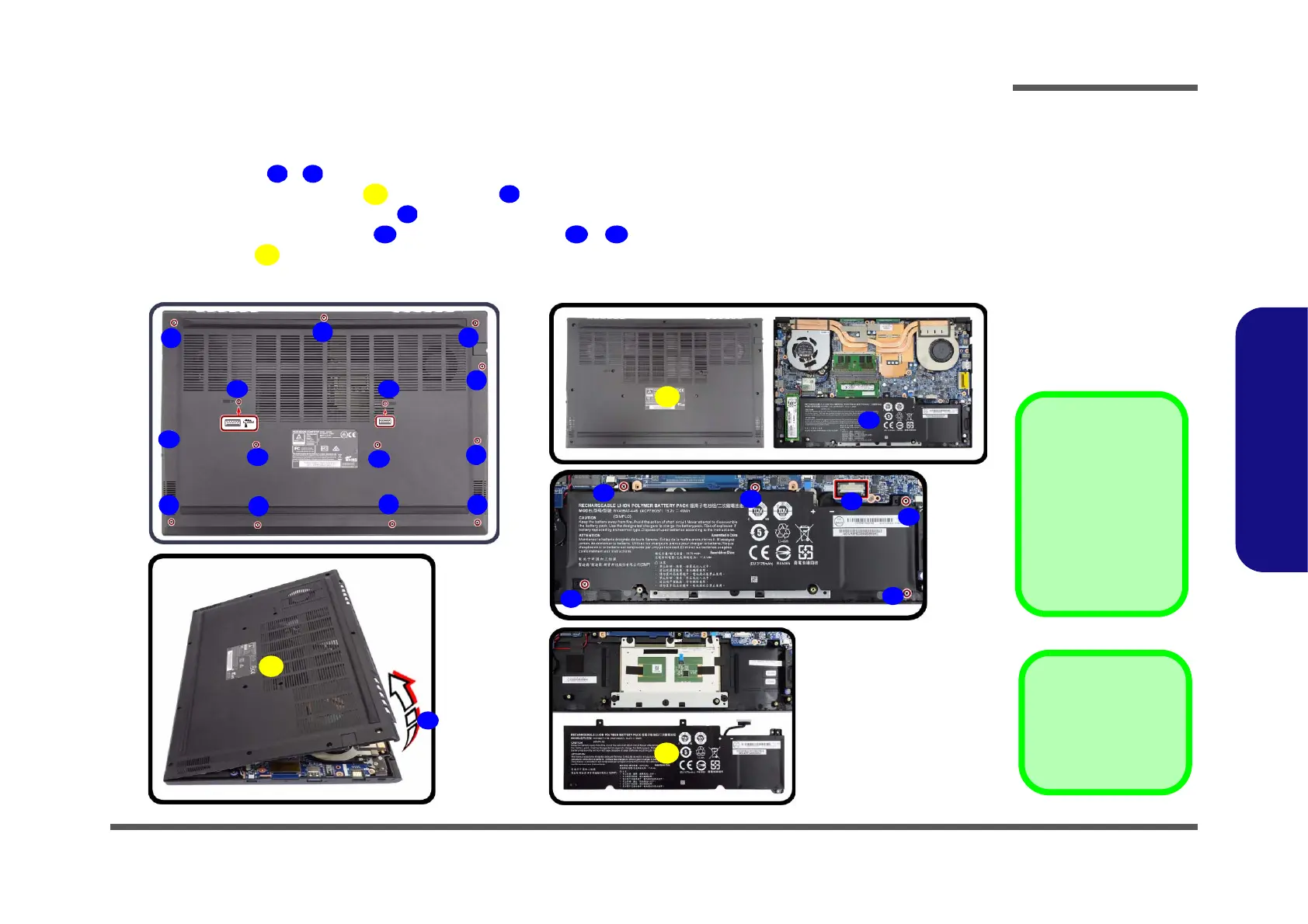
1. Turn off the computer, turn it over.
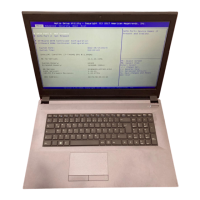
2. Remove screws - on the bottom case (Figure 1a).
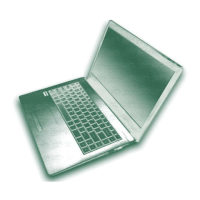
3. Carefully lift the bottom case up from point (Figure 1b).
4. The battery will be visible at point on the computer (Figure 1c).
5. Carefully disconnect the cable , then remove screws
- (Figure 1d).
6. Lift the battery off the computer (Figure 1e
).
7. Reverse the process to install a new battery (do not forget to replace all the screws and bottom cover).
15. Bottom Case
24. Battery
•19 Screws
Figure 1
Battery Removal
a. Remove the screws.
b. Remove the bottom case.
c. Locate the battery.
d. Disconnect the cable and
remove the screws.
e. Lift the battery off the
computer.
Powering the
Computer On
After every disassem-
bly, make sure that the
bottom case’s screws
are all inserted and
tightened before turn-
ing the computer on.
a.
c.
1
2
4
8
5
6
7
3
9
10
12
17
15
21
20
22
18
19
24
b.
13
11 14
23
d.
e.
16
15


 To Next Page