Clickfree Portable Backup Drive User Guide Backing up my content
Copyright © 2009 Storage Appliance Corporation. 15
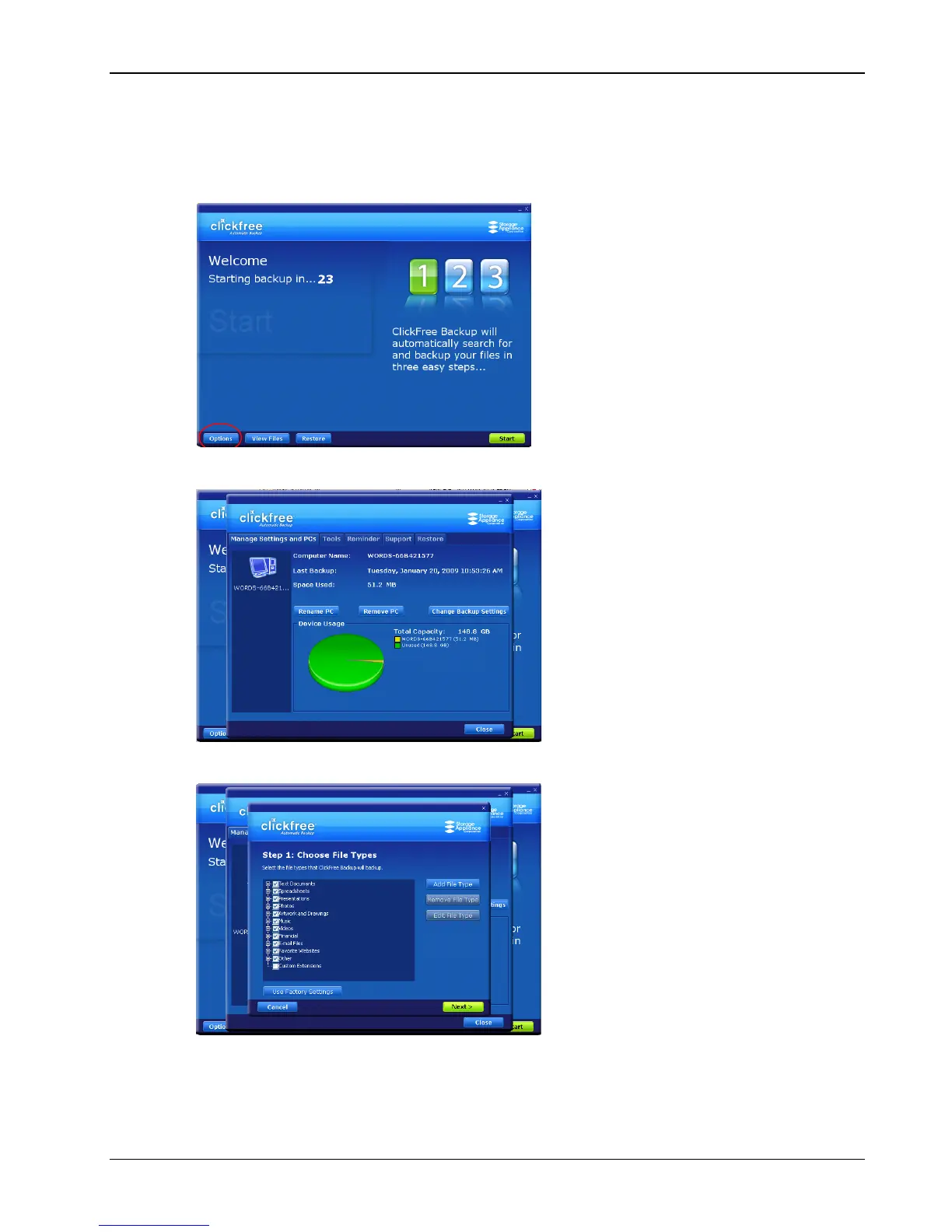
♦ To review or change what gets backed up:
1. Follow steps 1 to 4 of the procedure “How do I start using my Clickfree Portable
Backup Drive?” on page 10.
2. Before the countdown reaches zero, click Options.
The Manage Settings and PCs screen is displayed:
3. Now click Change Backup Settings.



 To Next Page