Clickfree Portable Backup Drive User Guide Advanced topics
Copyright © 2009 Storage Appliance Corporation. 51
REMINDER AND THE CLICKFREE ICON
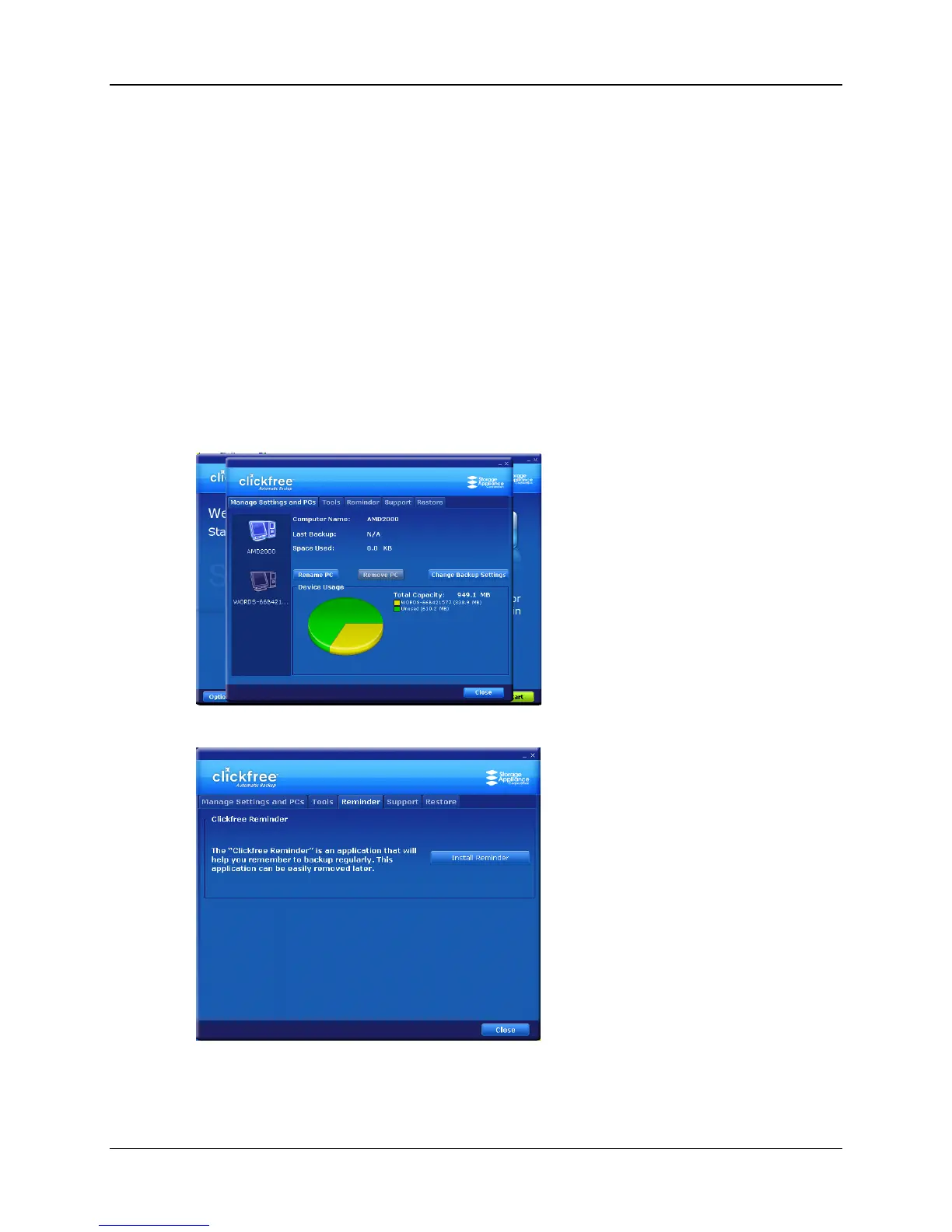
Clickfree can remind you to back up your files by installing a reminder program for
you. Installing the reminder puts a handy icon in the bottom right corner of your screen.
From this icon you can decide how often to be reminded to back up, can start a backup,
and can display or hide a mini status window that shows when the last backup was
done.
REMINDERS
♦ To install reminders:
1. Connect Clickfree to your computer as described in “How do I start using my
Clickfree Portable Backup Drive?” on page 10.
2. When you see the countdown screen, click Options before the countdown reaches
zero:
3. Click the Reminder tab.



 To Next Page