Clickfree Portable Backup Drive User Guide Advanced topics
Copyright © 2009 Storage Appliance Corporation. 63
remember it using the hint there is no way to recover any backed-up content
from the Portable Backup Drive.
For example, if my password is ‘J@ntetelc0’ (Jantetelco is a town in Mexico with a
population of about 500), then my hint could be ‘Lugar de la patria’ – a title by which
Jantetelco is known only to people who live near there – and by you!
CAN I CHANGE MY PASSWORD?
The way to change your password is simply to disable security from the Backup
Summary screen, as shown in “How do I disable password protection?” on page 63,
then to re-enable it as shown in “How do I enable password protection?” on page 62.
HOW DO I DISABLE PASSWORD PROTECTION?
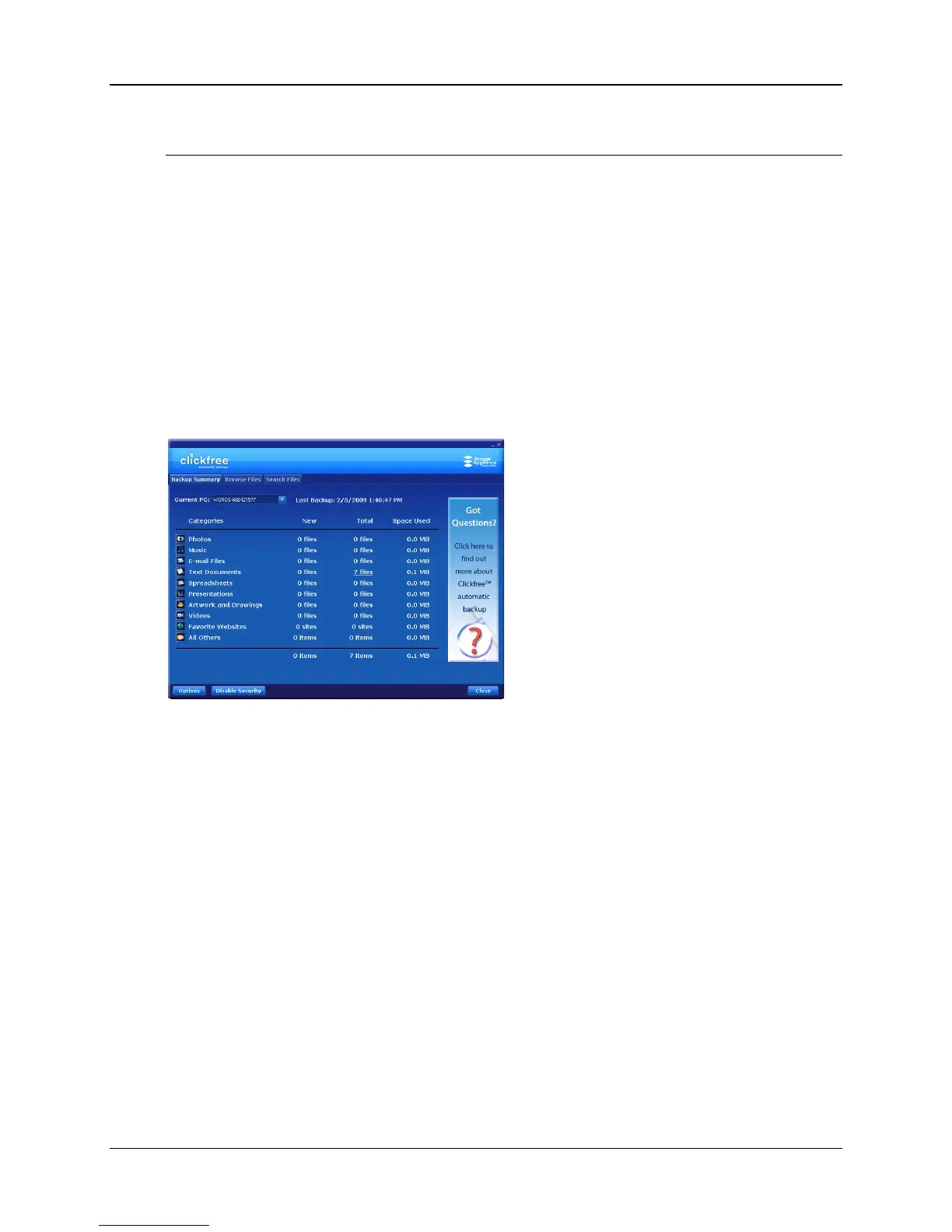
You can disable password protection from the Backup Summary screen.
♦ To disable password protection:
Click Disable Security, then click Yes when asked if you are sure.
You can re-enable password protection from the Backup Summary screen. See “How do
I enable password protection?” on page 62.



 To Next Page