Clickfree Portable Backup Drive User Guide Advanced topics
Copyright © 2009 Storage Appliance Corporation. 50
♦ To check manually for updates:
1. On the Tools screen click Update. Clickfree checks for available updates.
If the software in your Clickfree Portable Backup Drive and your computer is up to
date, click OK on the dialog that pops up.
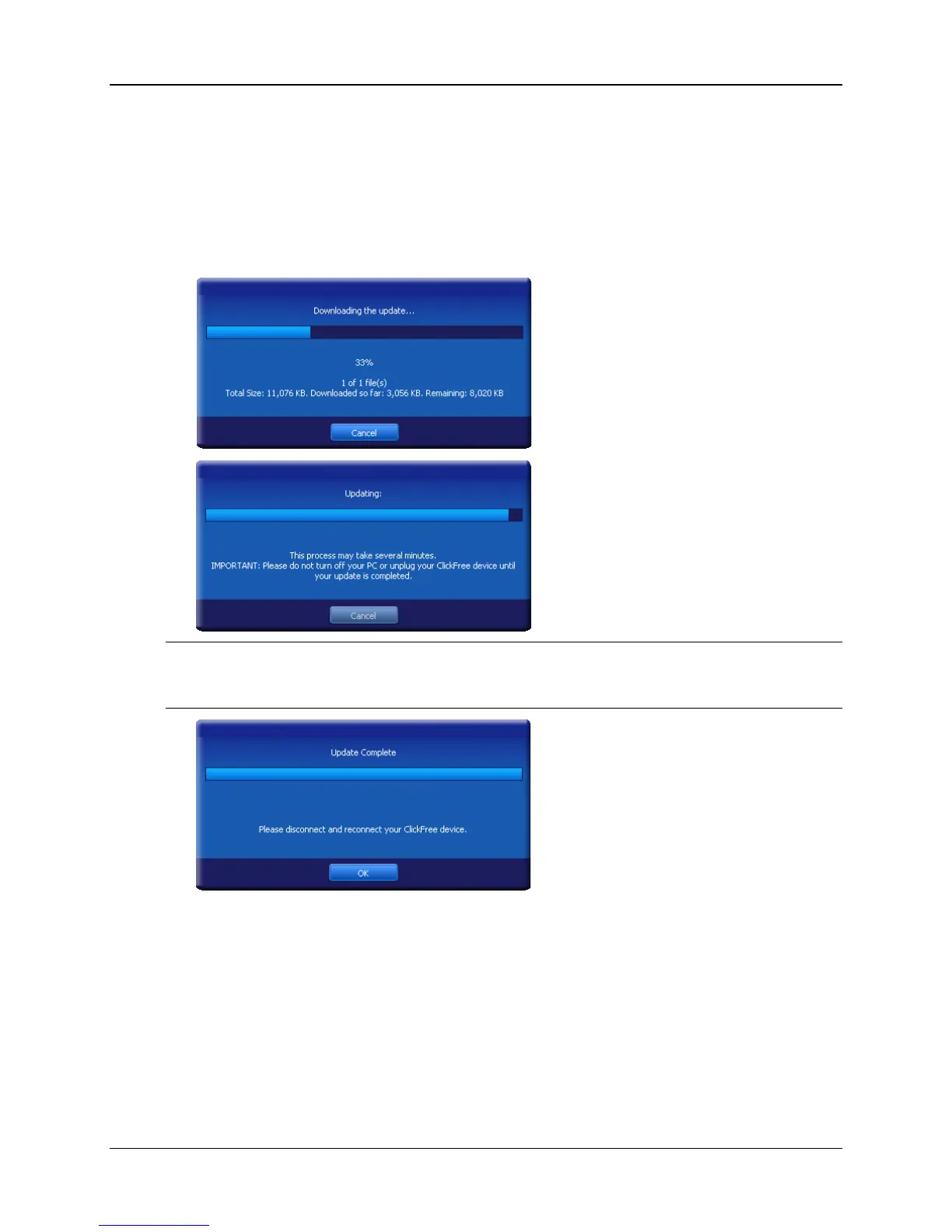
If an update is available, Clickfree shows you what progress is being made in
downloading the update and updating your software:
Warning: While a software update is taking place it is very important for you not to
remove the Clickfree Portable Backup Drive from your computer and not to
turn off or restart the computer until the update is complete.
2. When the software update is complete, you need to unplug the Clickfree Portable
Backup Drive and plug it in again for the update to take effect.
INTERFACE LANGUAGE
♦ To choose which language is used in the Clickfree screens:
When you start Clickfree, it automatically uses the language that Windows is set for.
If you want to change the language that Clickfree uses, click the arrow at the right of the
language box and choose the language you prefer.



 To Next Page