Clickfree Portable Backup Drive User Guide Advanced topics
Copyright © 2009 Storage Appliance Corporation. 58
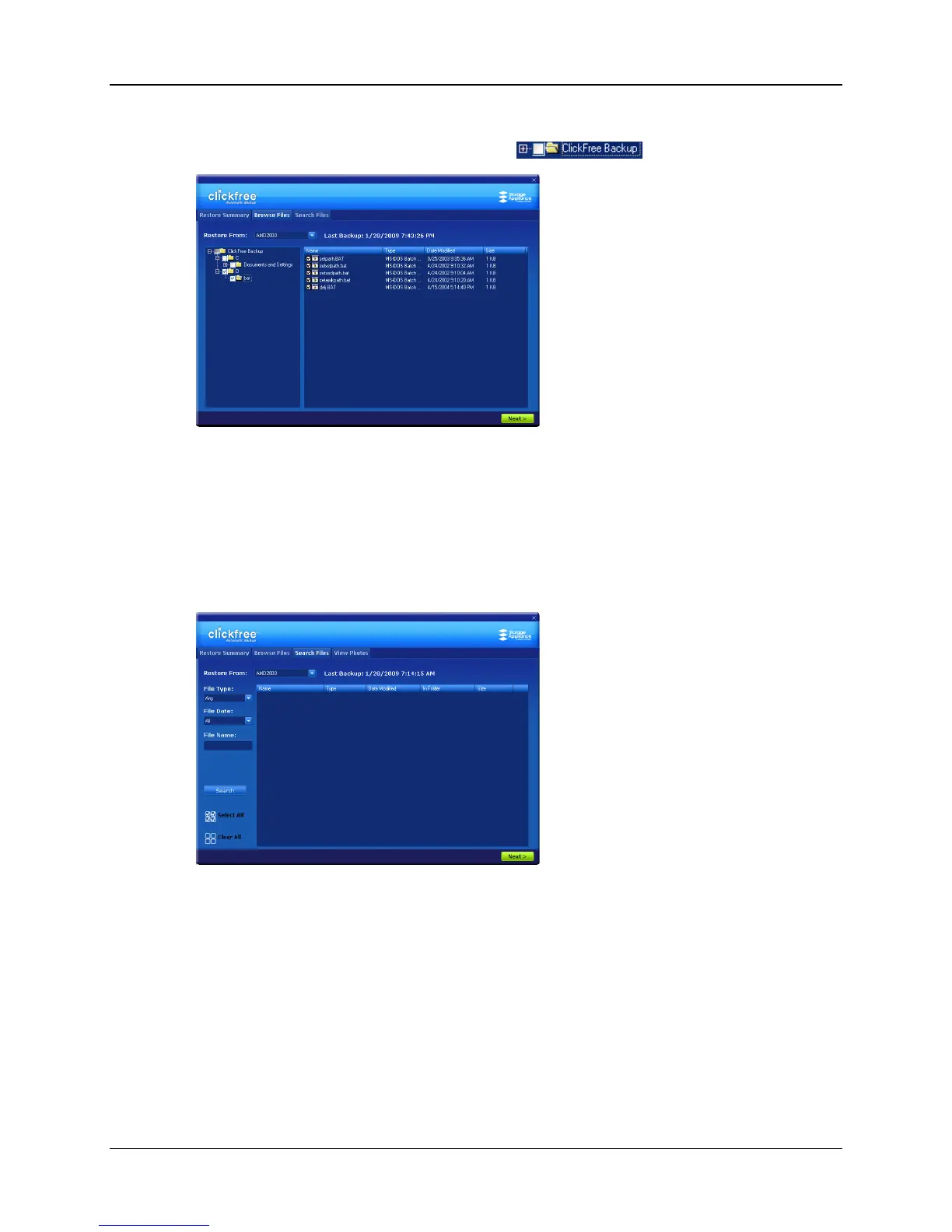
♦ To select files by browsing:
1. Click the Browse Files tab then click the + to expand the view.
2. Select the files to be restored, and click Next >.
You are returned to the Restore Summary screen where you can make more
selections.
3. If you are finished selecting files, click Next >.
♦ To select files by searching:
1. Click the Search Files tab.



 To Next Page