Clickfree Portable Backup Drive User Guide Restoring my content
Copyright © 2009 Storage Appliance Corporation. 34
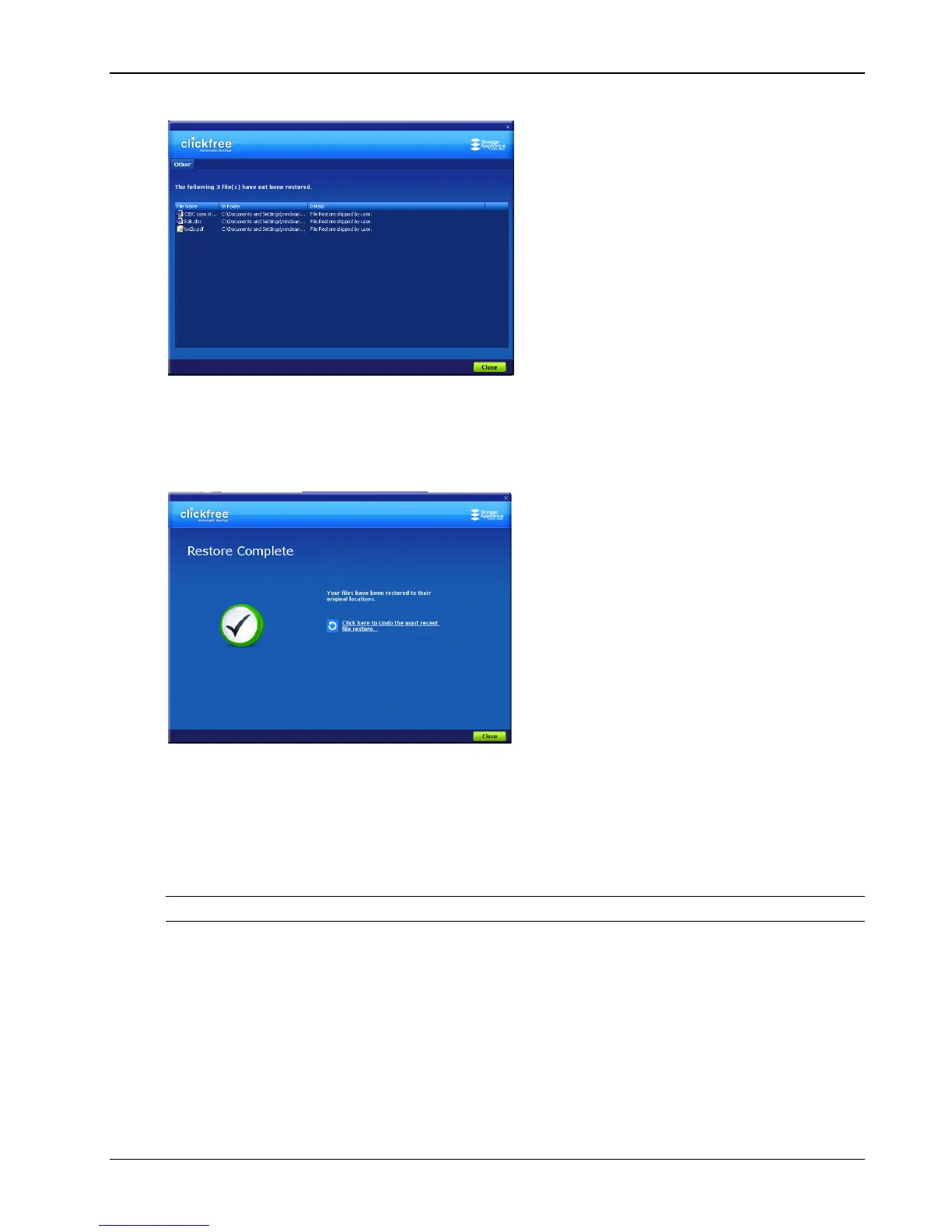
• Click the link to see what files were not restored:
^TPHD_RST_Change09
HOW DO I UNDO A RESTORE?
Whenever you restore files to their original locations, Clickfree gives you a chance to undo
the restore, in case you have mistakenly overwritten a file.
♦ To undo the effects of a restore:
1. Click Click here to undo ….
The restored files are replaced on your computer by the files that were there before the
restore.
However, the backed-up content is still safe on your Portable Backup Drive.
Warning: There is no way to undo after you close this dialog.
2. Click Close.
3. When you see the Restore Summary screen, simply unplug the Clickfree Portable
Backup Drive and store it in a safe place.



 To Next Page