Clickfree Portable Backup Drive User Guide Browsing, Searching & Viewing
Copyright © 2009 Storage Appliance Corporation. 38
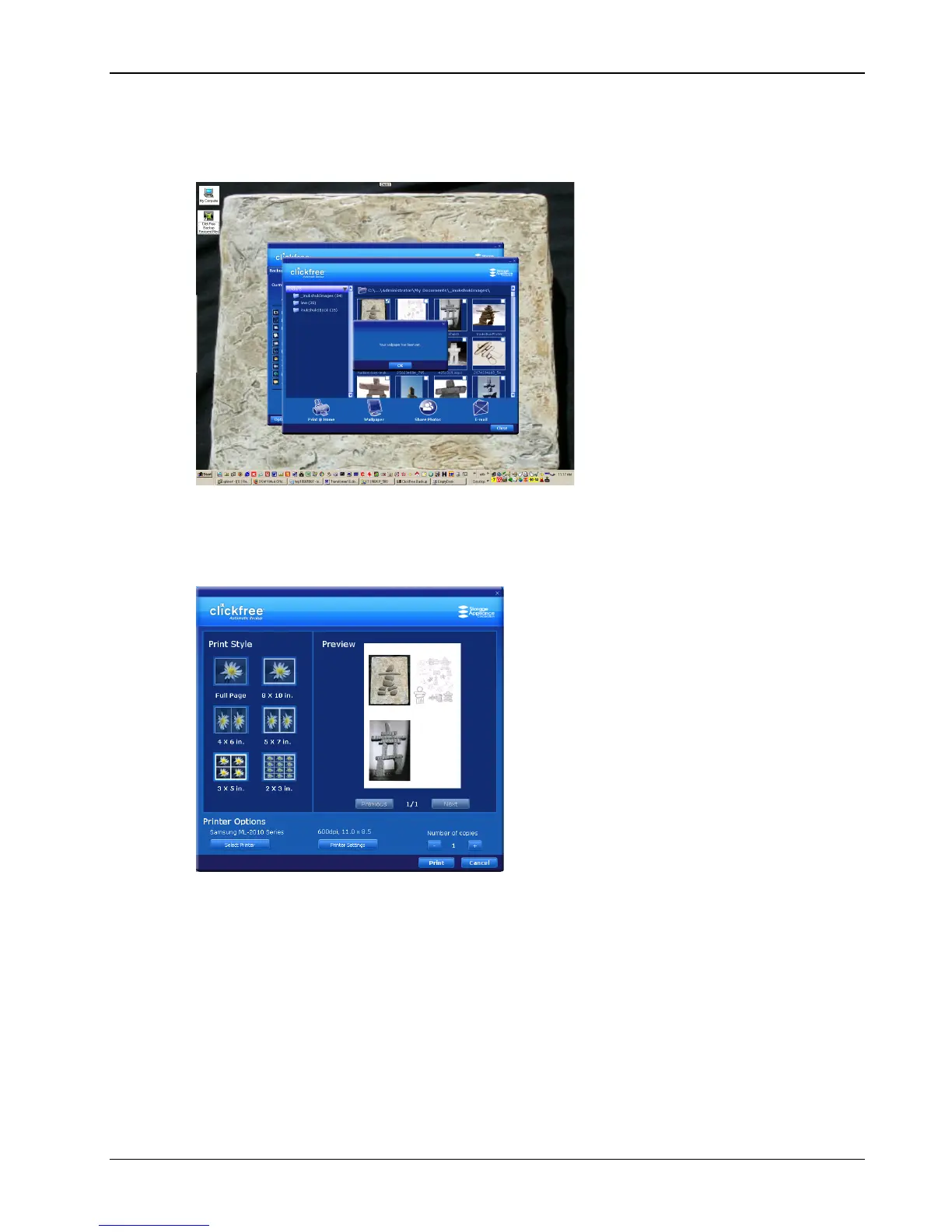
♦ To use a photo as wallpaper:
1. Click the photo. Make sure that only one photo is selected.
2. Click Wallpaper. The chosen photo becomes your computer Wallpaper:
♦ To print photos:
1. Select the photos.
2. Click Print @ Home and select the Print Style:
3. Set the Printer Options, and click Print.



 To Next Page