Clickfree Portable Backup Drive User Guide Advanced topics
Copyright © 2009 Storage Appliance Corporation. 54
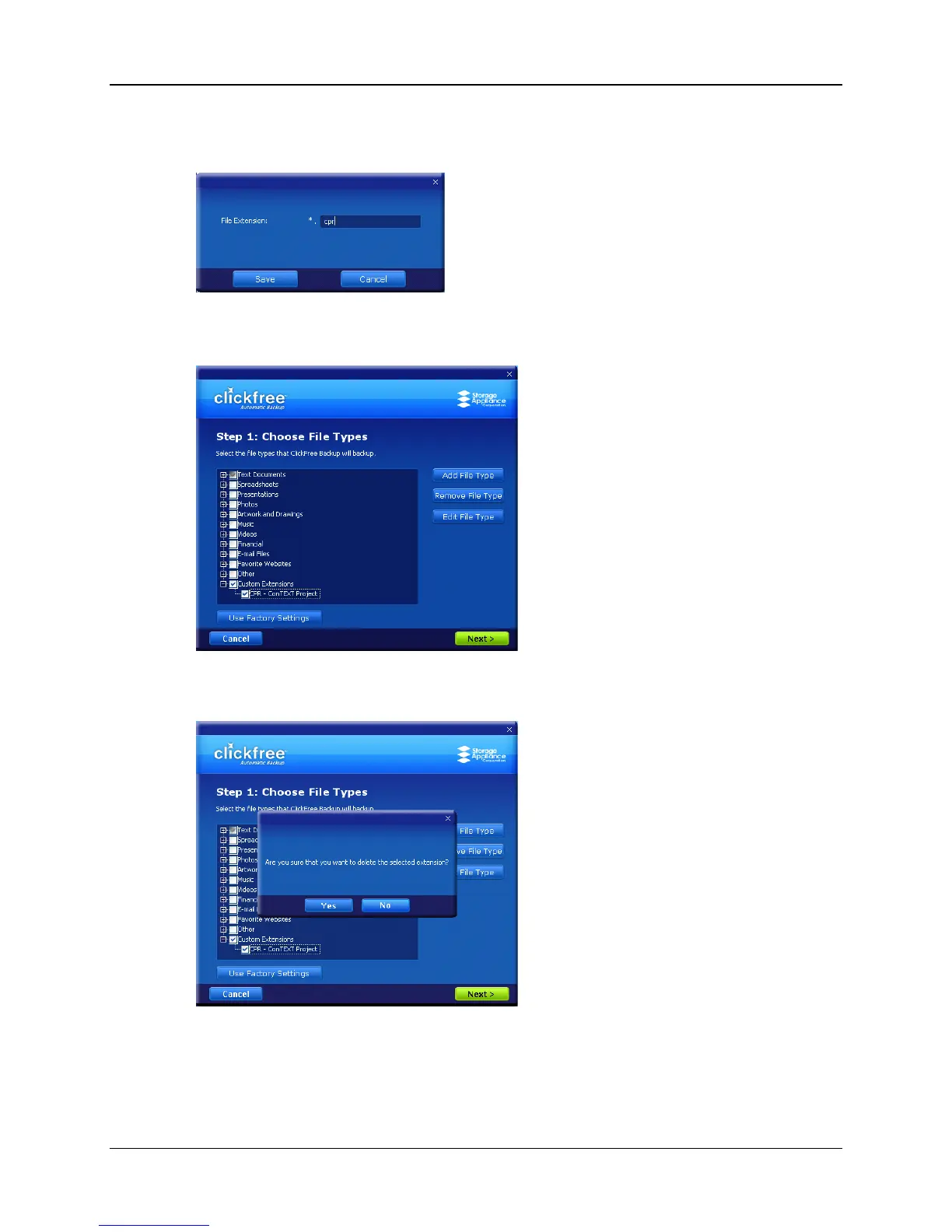
♦ To add a file type:
1. Click Add File Type:
2. Type the extension for the new file type, and click Save.
The new file type is added to Custom Extensions:
♦ To remove a file type:
1. Click a file type in Custom Extensions, and click Remove File Type:



 To Next Page