20
English
TERMINAL EVOLUTION
TABLE OF TERMINAL ADDRESSES AND LAN BOARD
ADDRESSES
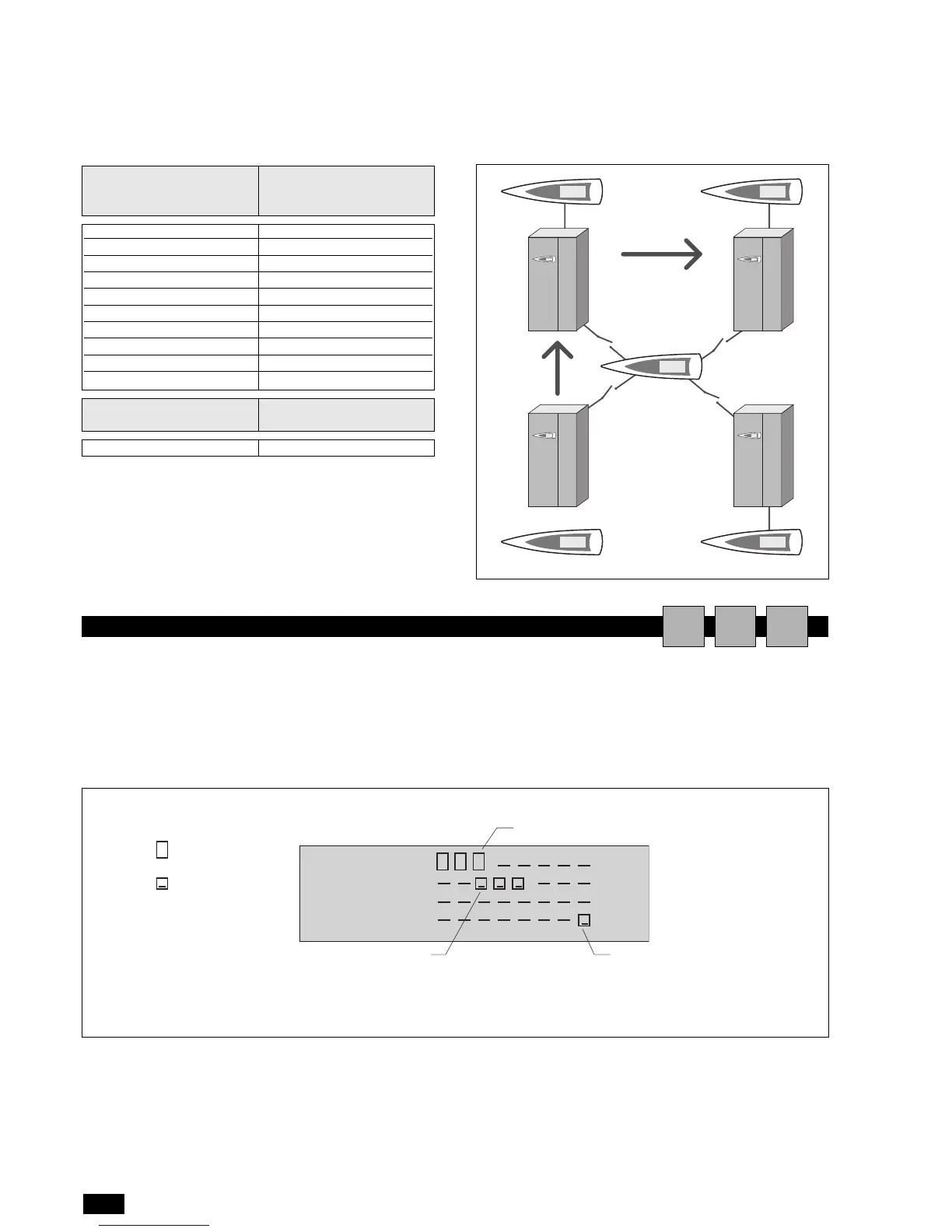
Fig. 1 represents a network made up of 4 units, each with its own
local user terminal and with a shared remote user terminal (32)
that displays the information for unit 1.
To move from one unit to the next, in sequence
(1>2>3>4>no….. ), simply press ESC + DOWN.
Terminal address
(displayed automatically)
LAN Board Address
(set using the buttons on
the terminal)
11 1
12 2
13 3
14 4
15 5
16 6
17 7
18 8
19 9
20 10
Terminal address
(displayed automatically)
LAN Board Address
(displayed automatically)
32 (remote)-
Board
no. 2
Board
no. 1
Board
no. 3
Board
no. 4
shared user terminal
no.32
DISPLAYING THE NETWORK FROM THE TERMINAL
AIU
From any terminal in the network, holding the UP + ENTER +
DOWN buttons for at least 10 seconds, will display the <<
NetSTAT >> screen ( see Fig. 2).
The NetSTAT screen shows all the LAN boards and all the termi-
nals connected in the network, including the shared remote ter-
minal, with the corresponding addresses.
In the example, the network is made up of 3 LAN boards with
addresses 1, 2, 3, and 4 user terminals with addresses 11, 12, 13
and 32.



 To Next Page