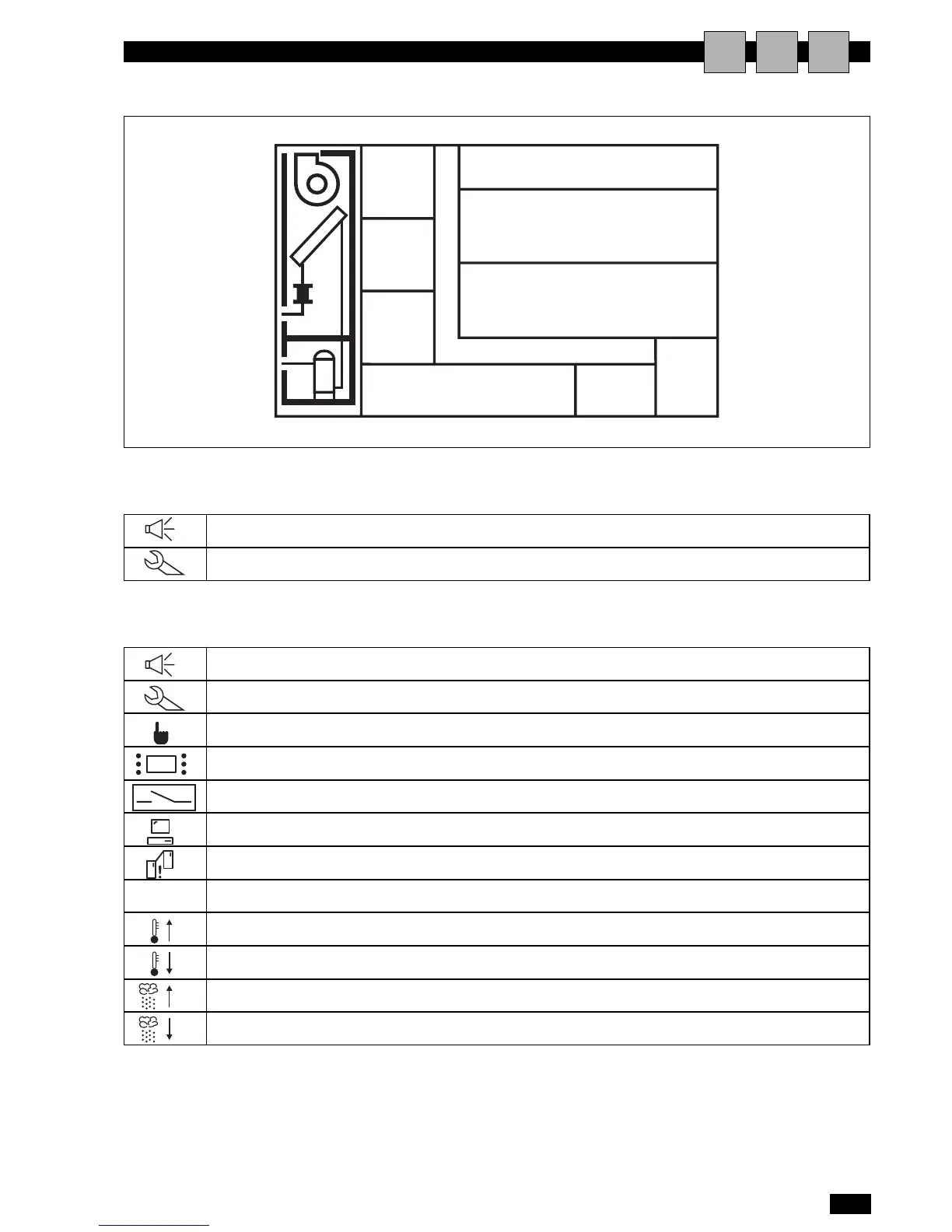
presence of an active alarm (flashing)
maintenance signal (flashing)
manual controls active (flashing)
unit on/off from terminal (flashing)
unit on/off from remote contact (flashing)
unit on/off from supervisory system (flashing)
unit on due to emergency via the network (LAN) (flashing)
Unit in stand-by (flashing)
Unit ON for High Temperature Limit overcoming (flashing)
Unit ON for Low Temperature Limit overcoming (flashing)
Unit ON for High Humidity Limit overcoming (flashing)
Unit ON for Low Humidity Limit overcoming (flashing)
Area 2 - DETAILED INDICATION OF THE UNIT STATUS.


 To Next Page