Climax Air Inc. www.climax-air.com
SLEEP operation
Press this button, the selected temperature will
Increase by 1°C/2°F every one hour. The temperature will
then increase another 1°C/2°F after an additional 3 hours.
This new temperature will be maintained for 4 hours before
it returns to the originally selected temperature. This ends
the Sleep mode and the unit will continue to operate as
originally programmed.
NOTE: This feature is unavailable under FAN or DRY mode.
Other features
Auto-Restart
If the unit shuts off unexpectedly due to a power failure, it
will restart with the previous function settings automatically
when the power resumes.
Wait 3 minutes before resuming operation
After the unit has stopped, it cannot be restarted within the
first 3 minutes. This is to protect the unit. Operation will
automatically start after 3 minutes.
Air flow direction adjustment
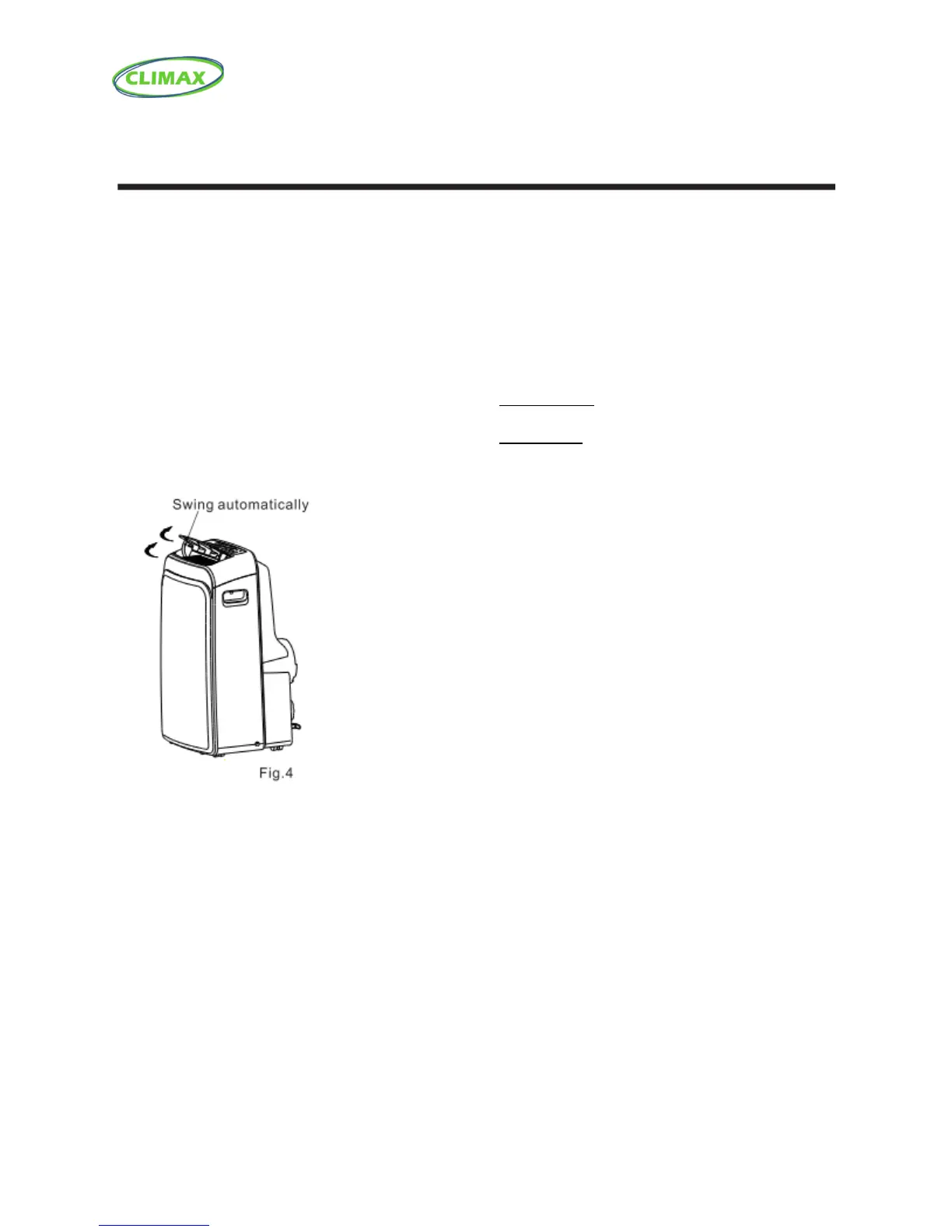
The louver can only be adjusted automatically.
• Adjust the airflow direction automatically
(Fig.4):
- When the Power is ON, the louver opens fully. Press the
SWING button on the panel or remote controller to initiate
the Auto swing feature.
- The louver will swing up and down automatically.
- Please do not try to adjust the louver manually.



 To Next Page